Templates Manager
v.1.0.0.0
Overview
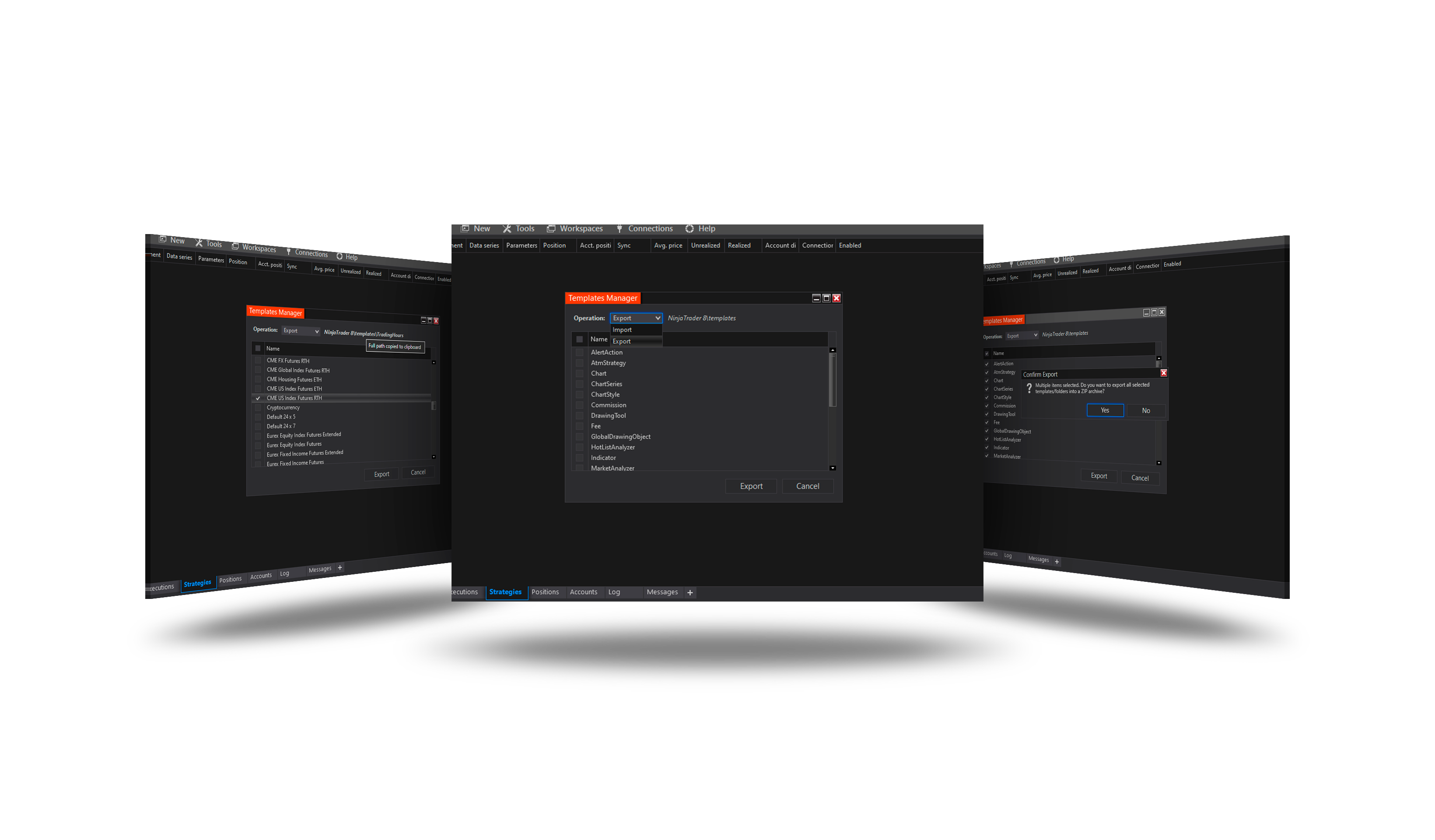
Import and export the templates of strategies, indicators, the Trading Clock, skins and other NinjaTrader 8 objects - many at once, in a single archive - directly from the platform, without searching through folders.
How to use it
- Open Control Center → Tools → Templates Manager.
- Choose Import or Export under Operation.
- Export: tick the templates or whole folders to export and click Export; choose where to save the ZIP archive.
- Import: select the ZIP archive, tick the templates or folders to import and click Import.
Good to know
- Exporting several items asks whether to put them all into one archive.
- Use it to back up your settings or to move them to another computer.