FVG Indicator
v.2.1.0.0
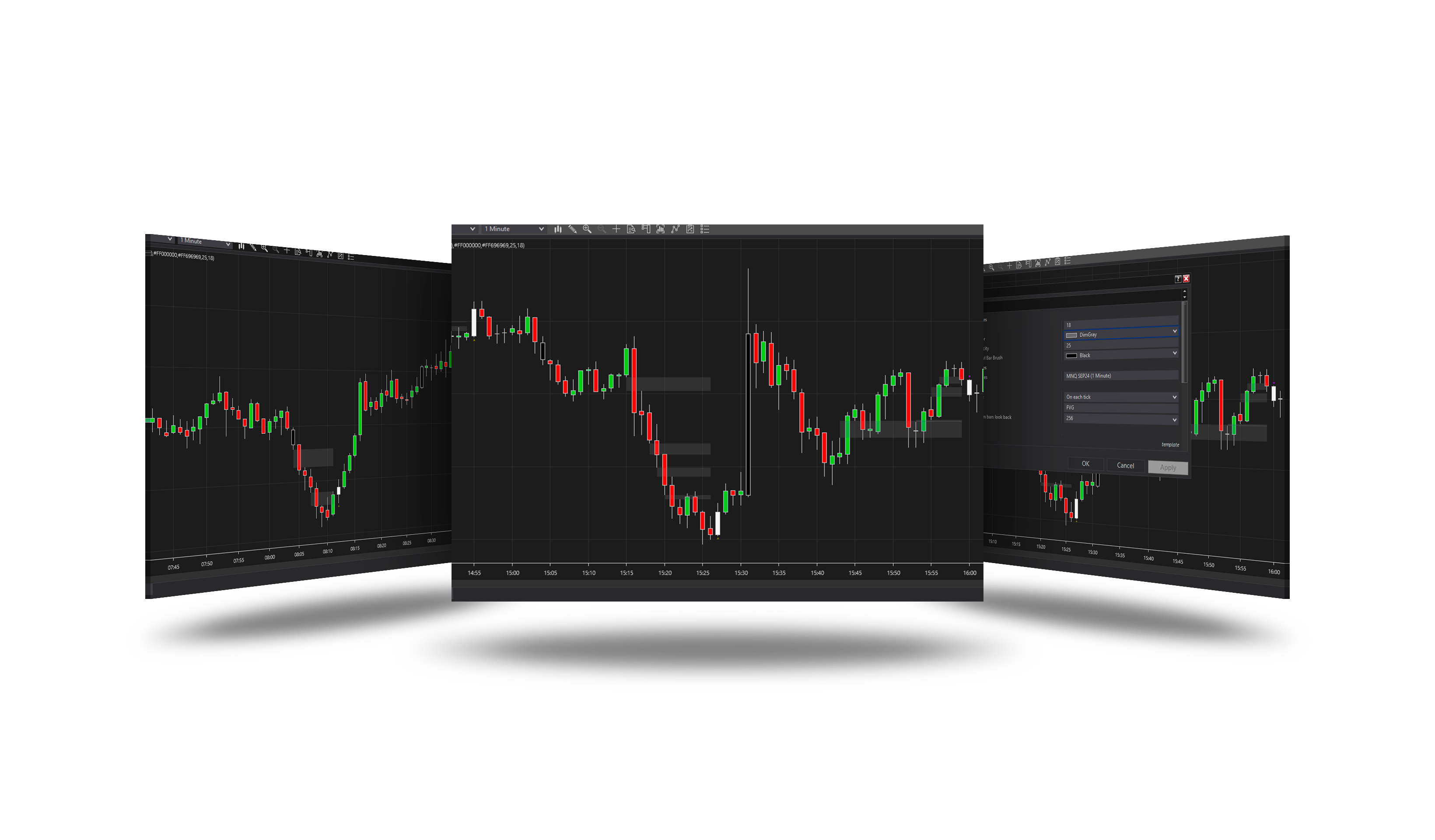
Overview
Finds fair value gaps - three-bar gaps where the first and third bars do not overlap - that form after the price sweeps a swing level, and signals when price closes through such a gap the other way (an inversion).
How it works
- Swing highs and lows are found over Period bars.
- A close beyond a swing level on a bar that reached back through it is a sweep: below a low - a long setup, above a high - a short setup.
- During the setup, the gaps against it are collected and drawn.
- A close back through a gap is the signal (▲ / ▼); the setup ends by your Signal mode and limits.
Parameters
Parameters
| Parameter | Default | What it does |
|---|---|---|
| Period | 18 | Pivot lookback window - the extreme has to sit in its middle |
| Signal mode | Each level independent | FirstBreakClosesSetup: the first inverted FVG ends the setup. EachLevelIndependent: every inverted FVG signals, the setup runs until its zones are used up |
| Opposite break closes setup | On | A sweep in the opposite direction ends the running setup and starts the new one |
| Max setup bars | 0 | Drop a setup this many bars after its sweep bar (0 = no limit) |
| Max signals per setup | 0 | Close the setup after this many signals (0 = no limit) |
| Require bar close | Off | Confirm the inversion on the closed bar instead of intrabar |
Filters
| Parameter | Default | What it does |
|---|---|---|
| Min FVG ticks | 0 | Ignore gaps smaller than this many ticks (0 = off) |
| Min FVG / ATR | 0 | Ignore gaps smaller than this fraction of ATR (0 = off) |
| ATR period | 14 | ATR period used by the Min FVG / ATR filter |
Visuals
| Parameter | Default | What it does |
|---|---|---|
| FVG Color | dim gray | |
| FVG Opacity | 25 | |
| Broken Lvl Bar Brush | black | Colour of the sweep bar that opens a setup |
| Signal Bar Brush | white smoke | Colour of the bar that inverts an FVG |
| Show FVG zones | On |
For strategies
| Value | Meaning |
|---|---|
| FVGLong / FVGShort | The signal's marker price. |
| Trend | 1 a long signal, -1 a short one. |
| SignalZoneTop / Bottom, SignalSweepPrice, SignalNumber, SetupDirection | The details of the signal and the running setup. |
Version history
v.2.1.0.0 - October 2026
- Changed: history and real time decide on the same closed bar.
- Changed: drawn directly on the chart - no drawing objects left on it.