Imbalance
v.1.0.0.0 Order Flow+ (Volumetric)
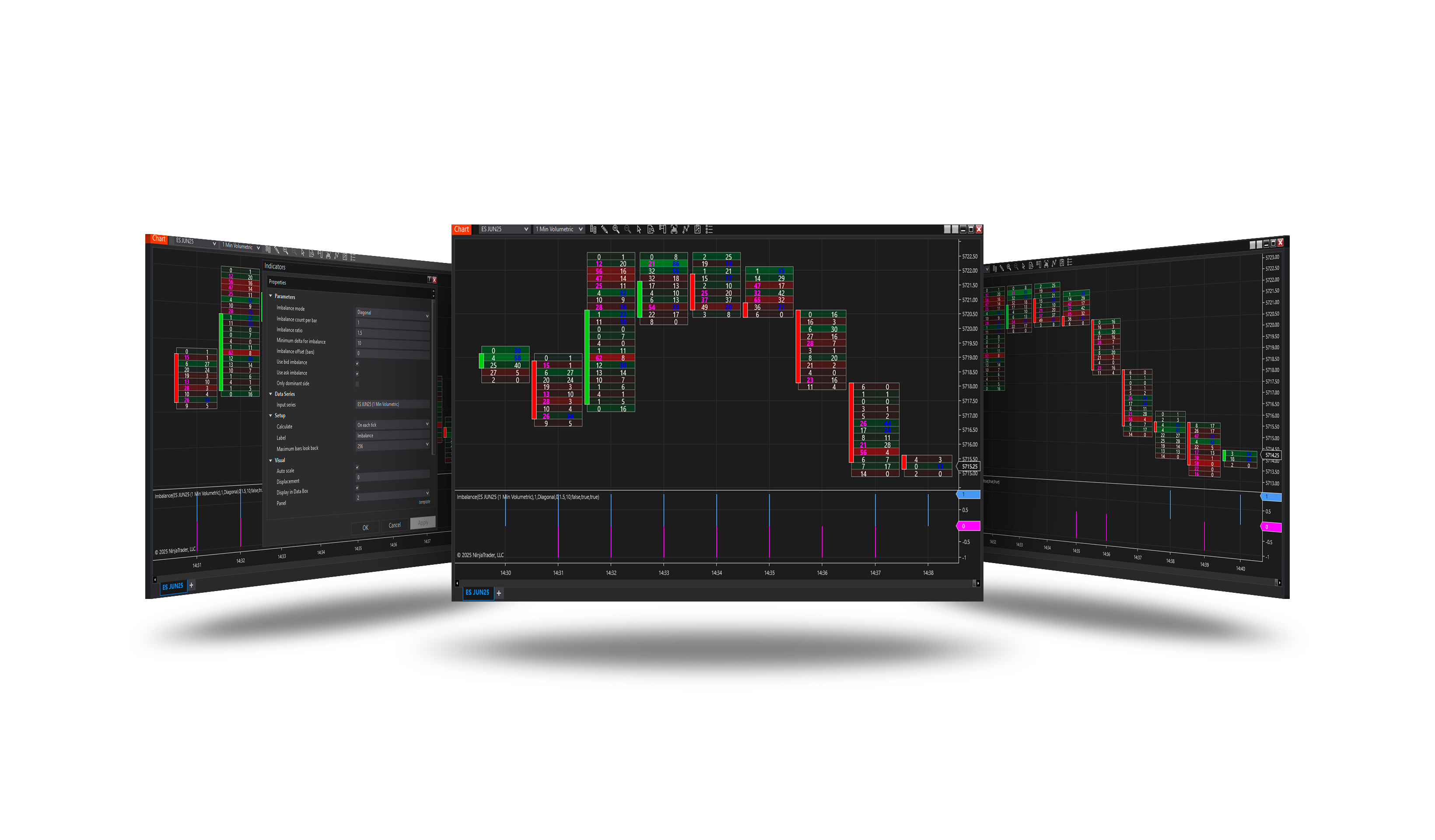
Overview
Finds imbalances inside a bar - prices where buying at the ask outweighs selling at the bid (or the reverse) by more than a ratio - and signals bars with enough of them.
Parameters
| Parameter | Default | What it does |
|---|---|---|
| Imbalance mode | Diagonal | Specifies the method used to detect volume imbalances in order flow analysis. |
| Imbalance count per bar | 2 | Defines the minimum number of imbalances required within a single bar for it to be considered significant. |
| Imbalance ratio | 1.5 | Sets the minimum volume ratio between bid and ask for an imbalance to be recognized. A common value is 1.5 or higher. |
| Minimum delta for imbalance | 10 | Specifies the minimum delta (difference between aggressive buying and selling) needed to confirm an imbalance. |
| Imbalance offset (bars) | 0 | Defines how many historical bars back the imbalance signal is calculated. 0 = current bar, 1 = previous bar, 2 = two bars ago, etc. |
| Use bid imbalance | On | Enables detection of bid-side imbalance, identifying aggressive selling pressure. |
| Use ask imbalance | On | Enables detection of ask-side imbalance, identifying aggressive buying pressure. |
| Only dominant side | Off | If enabled, signals will be generated only when one side (bid or ask) shows a significantly stronger imbalance. |
| Ticks per level | 1 | How many ticks are grouped into one price level of the Volumetric series the indicator loads for itself. Ignored when a hosting strategy supplies the series, in which case the strategy's own setting applies. |
Requirements
- A Volumetric bars chart (NinjaTrader Order Flow+) with tick data for history.