Price Change
v.2.0.0.0
Overview
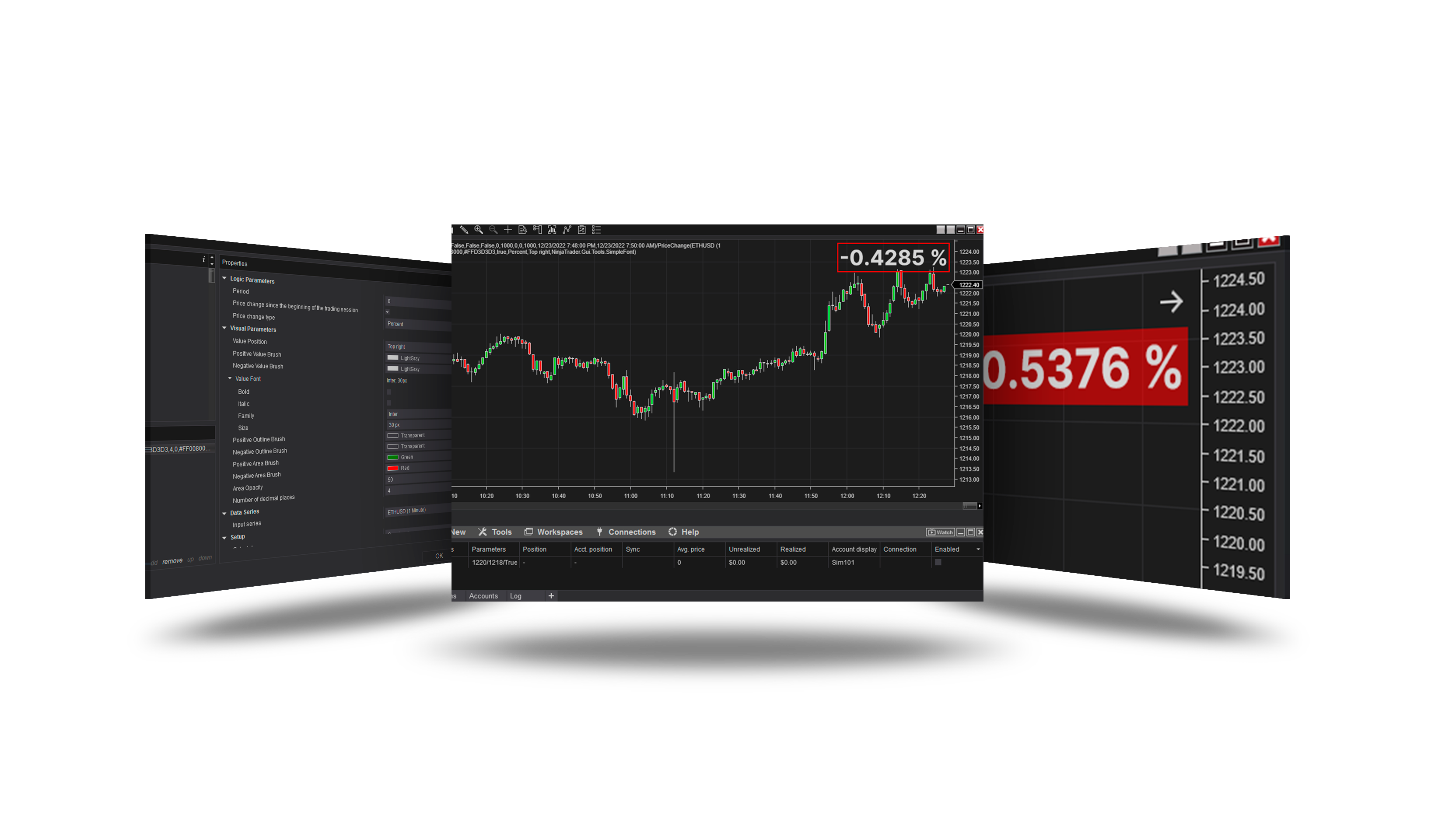
Shows the price change over the last Period bars or since the trading session began - in percent, price or ticks - as a box in a corner of the chart.
Parameters
Visual Parameters
| Parameter | Default | What it does |
|---|---|---|
| Value Position | Top right | Defines a fixed position of the value on the graph |
| Positive Value Brush | silver | Defines the color of the value when the value is positive |
| Negative Value Brush | silver | Defines the color of the value when the value is negative |
| Value Font | Arial 12 | Defines the font of the value |
| Positive Outline Brush | transparent | Brush used to paint the outline of a text box with a positive value |
| Negative Outline Brush | transparent | Brush used to paint the outline of a text box with a negative value |
| Positive Area Brush | green | Brush used to fill the fill area of the text field with a positive value |
| Negative Area Brush | red | Brush used to fill the fill area of the text field with a negative value |
| Area Opacity | 0 | Sets the level of transparency for the fill color. Valid values between 0 - 100. (0 = completely transparent, 100 = no opacity) |
| Number of decimal places | 2 | Sets the number of characters after the decimal point |
Logic Parameters
| Parameter | Default | What it does |
|---|---|---|
| Period | 14 | Sets the period in bars for which the change of closing prices will be shown |
| Price change since the beginning of the trading session | Off | The parameter activates the calculation of the price change from the beginning of a new trading session to the next |
| Price change type | Percent | The parameter defines the type of price change display |
Version history
v.2.0.0.0 - October 2026
- Changed: drawn directly on the chart, clear of the scale; no value before the session opens.