Average Price (n)
v.2.0.0.0
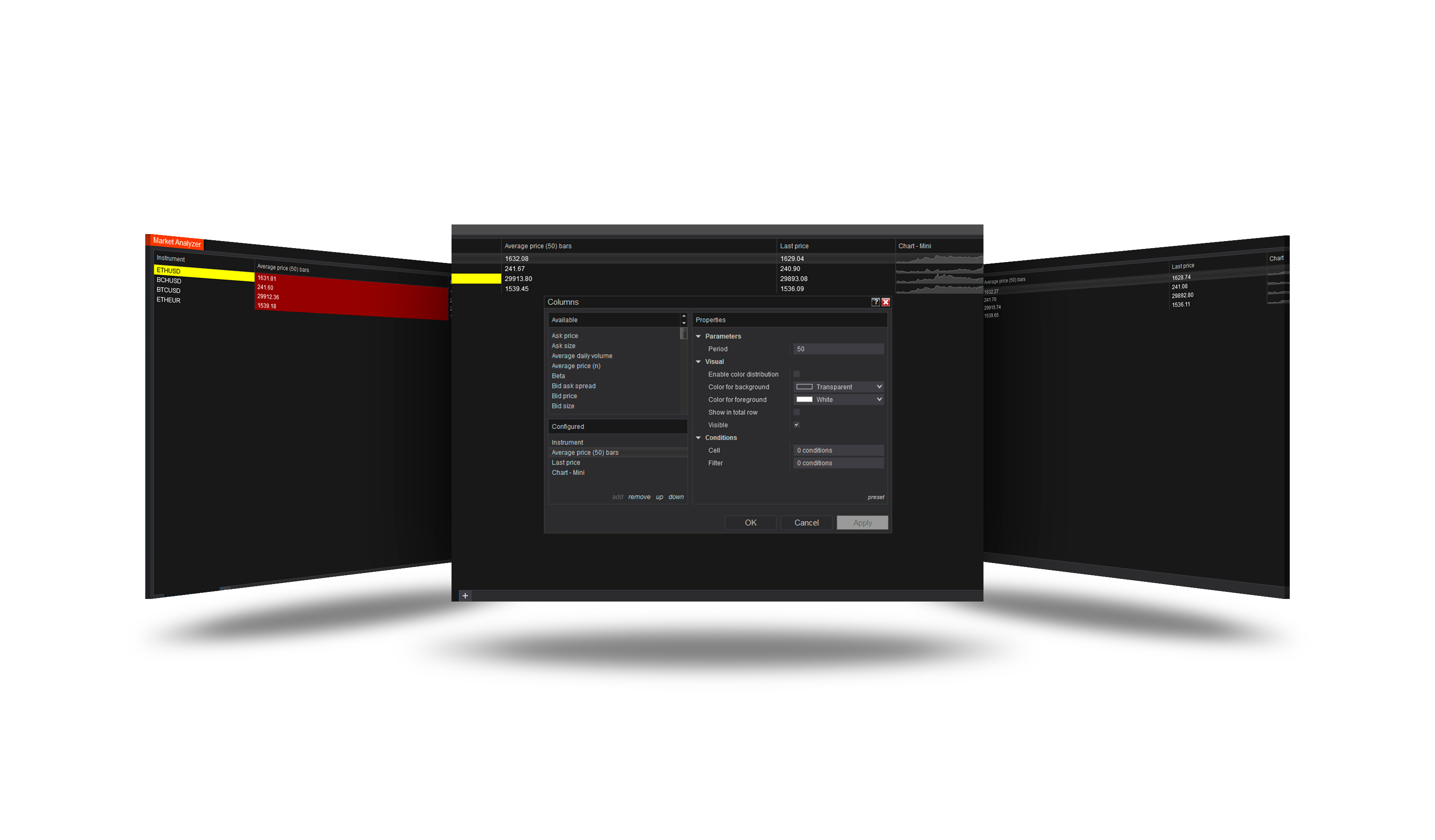
Overview
The simple average of the closes of the last n bars of the column's own data series - the bar in progress included, so it moves with the market. The time frame is the column's; the value comes from history at once.
How to use it
- In a Market Analyzer, right-click → Columns → add Average price (n).
- Set the column's data series (time frame) and Period.
Parameters
| Parameter | Default | What it does |
|---|---|---|
| Period | 14 | How many bars of the column's data series are averaged (the bar in progress is one of them). |
| Include bar in progress | On | On: the bar in progress is one of the n bars, so the value moves with the market. Off: the last n closed bars - the same as a chart SMA with Calculate = On bar close. |
Version history
v.2.0.0.0 - October 2026
- Changed: the column's own data series and history - a value at once, outside the session too.