Point Of Control
v.2.0.0.0
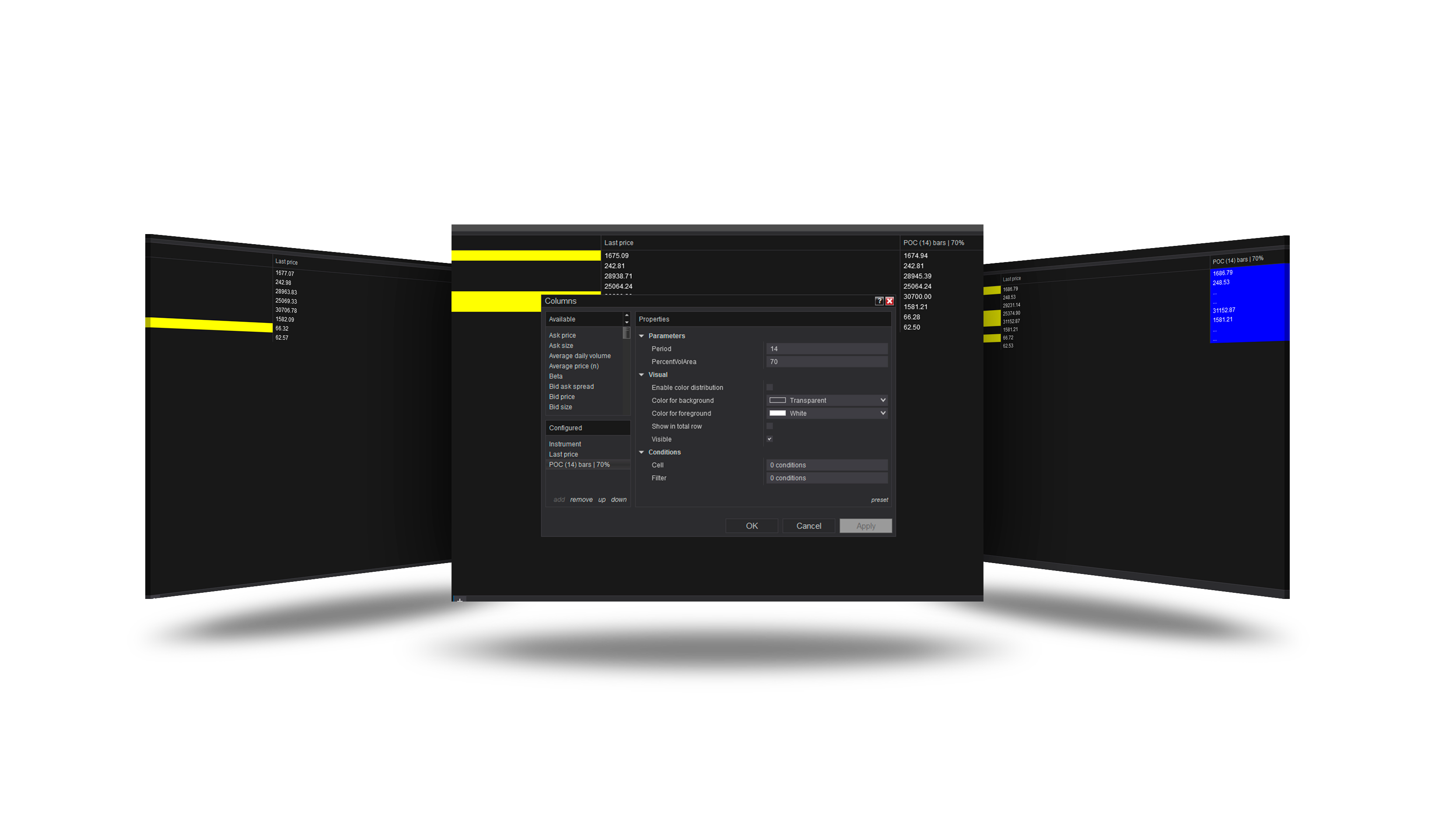
Overview
The Point of Control is the price where the most volume traded over a window - the last n bars or the session - of the column's data series. The column can also show the high or low of the value area around it.
How to use it
- In a Market Analyzer, add the POC column.
- Choose what to show (POC, value area high or low), the window and the volume source.
Parameters
| Parameter | Default | What it does |
|---|---|---|
| Show | Poc | POC: the price with the most volume. Value area high / low: the edges of the area around the POC that holds the value-area percent of the volume. |
| Window | Last bars | Last bars: the last Period bars of the column's data series, rolling, the bar in progress included. Session: from the session's first bar. |
| Period | 14 | With Window = Last bars: how many bars make the profile. |
| Value area (%) | 70 | The share of the volume the value area holds (70 is the usual). |
| Volume source | Bars | Bars: each bar's volume spread evenly over its range - an estimate, history at once, fast. Ticks: the volume traded at each price - exact; turns Tick Replay on for the column's data series, slower to load. |
Volume source
| Source | How the volume per price is found |
|---|---|
| Bars (default) | Each bar's volume spread evenly over its range - an estimate, with history at once. |
| Ticks | The volume traded at each price, from ticks - exact; on history it needs Tick Replay on the column's data series. |
Version history
v.2.0.0.0 - October 2026
- Changed: a rolling window or the session, history at once, value area high / low, a Bars or Ticks volume source.