Discord
v.2.0.0.0
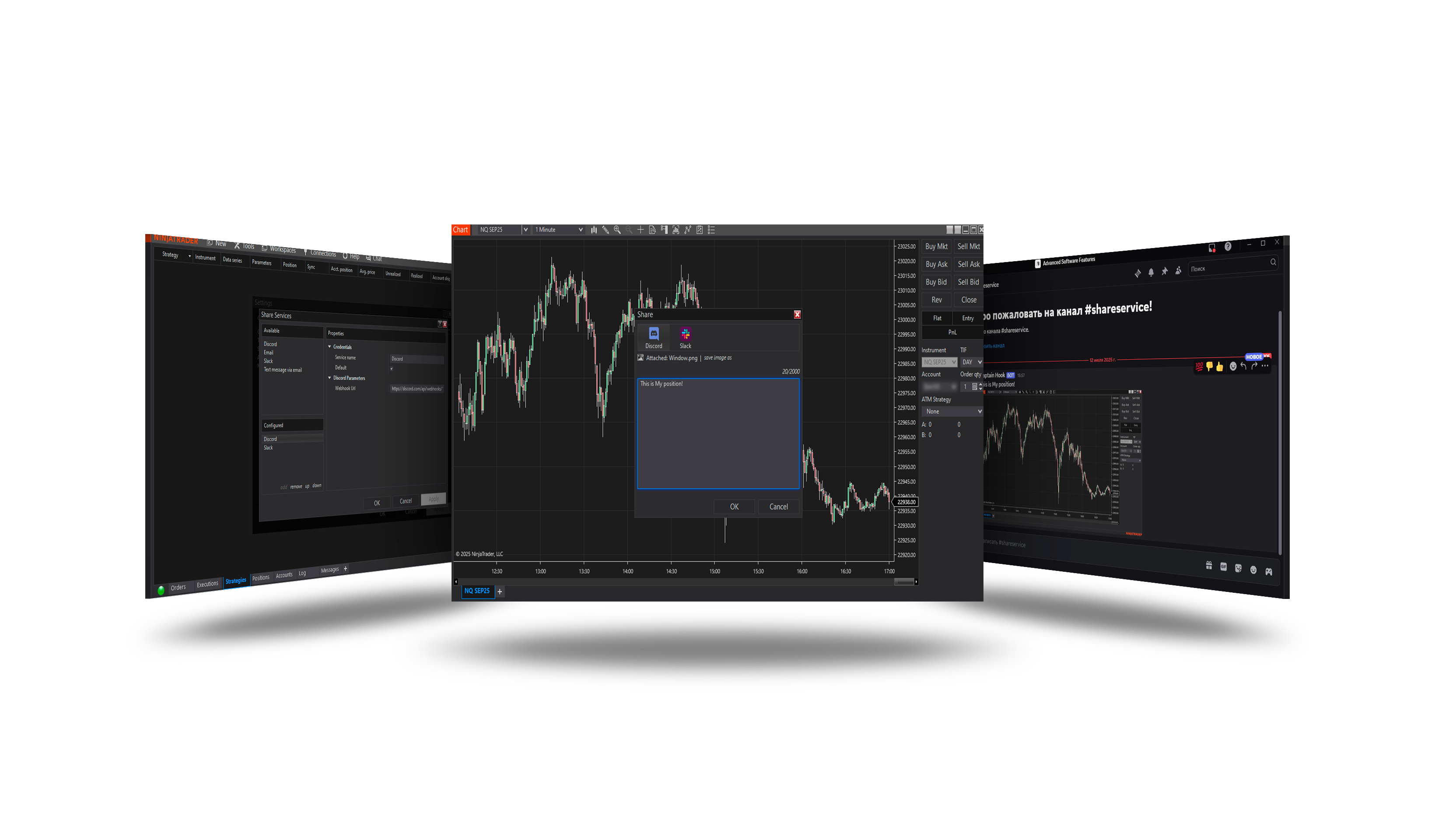
Overview
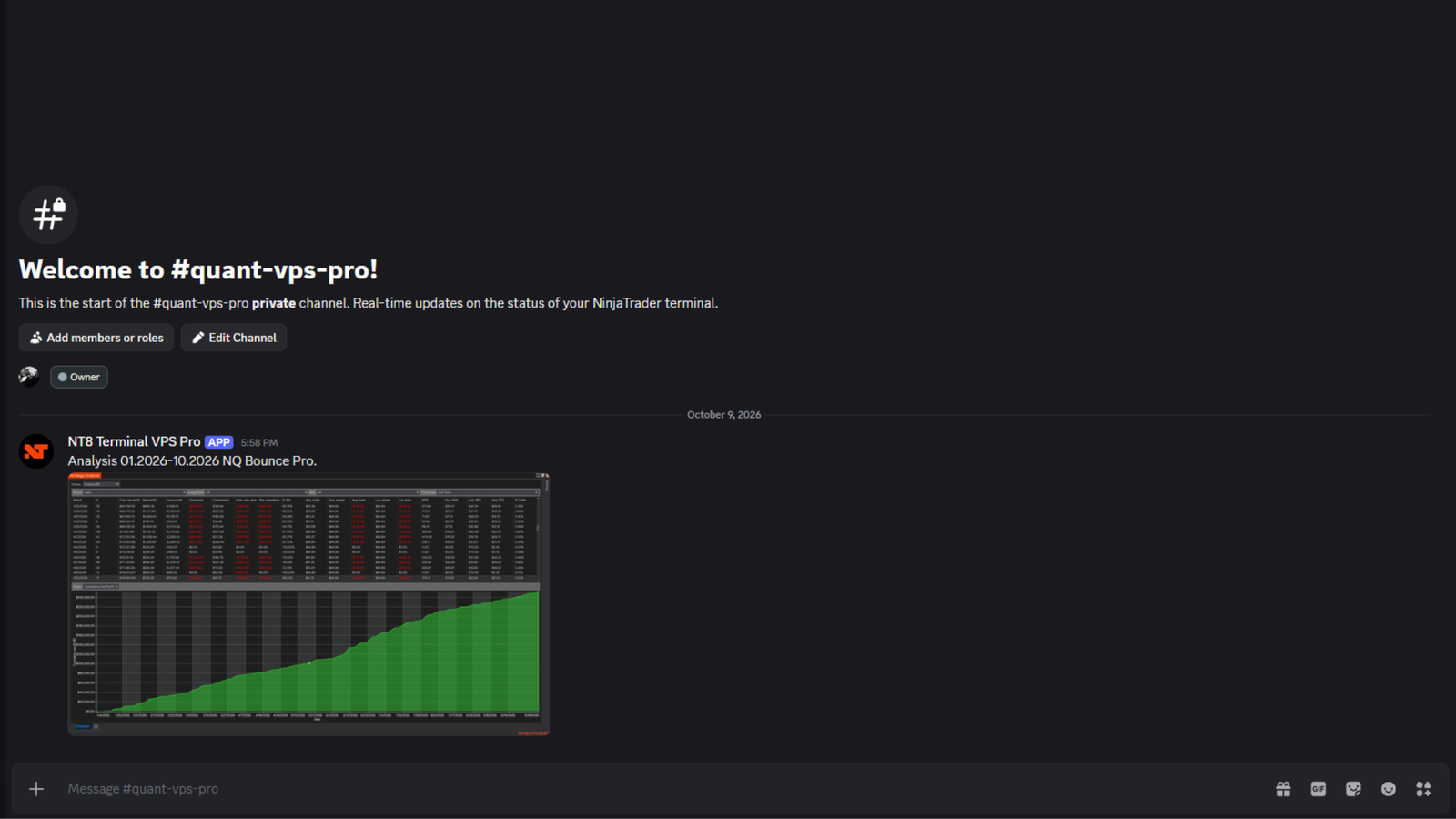
Sends NinjaTrader shares - chart screenshots, alerts and messages from strategies - to a Discord channel through the channel's webhook.
Create the webhook in Discord
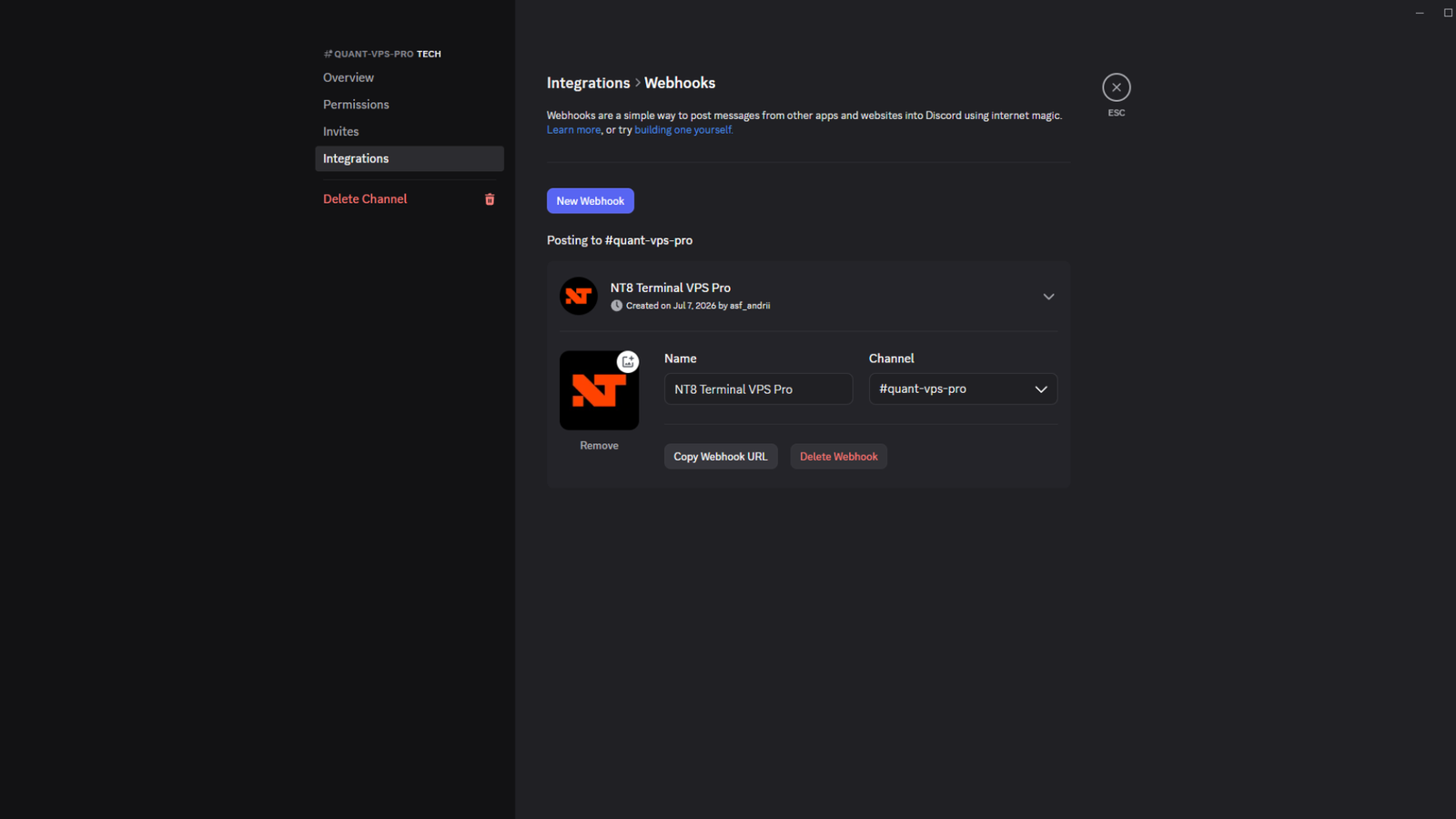
- Open the server's Server Settings → Integrations → Webhooks (or a channel's Edit Channel → Integrations).
- Click New Webhook, name it and choose the channel.
- Click Copy Webhook URL.
Add it in NinjaTrader
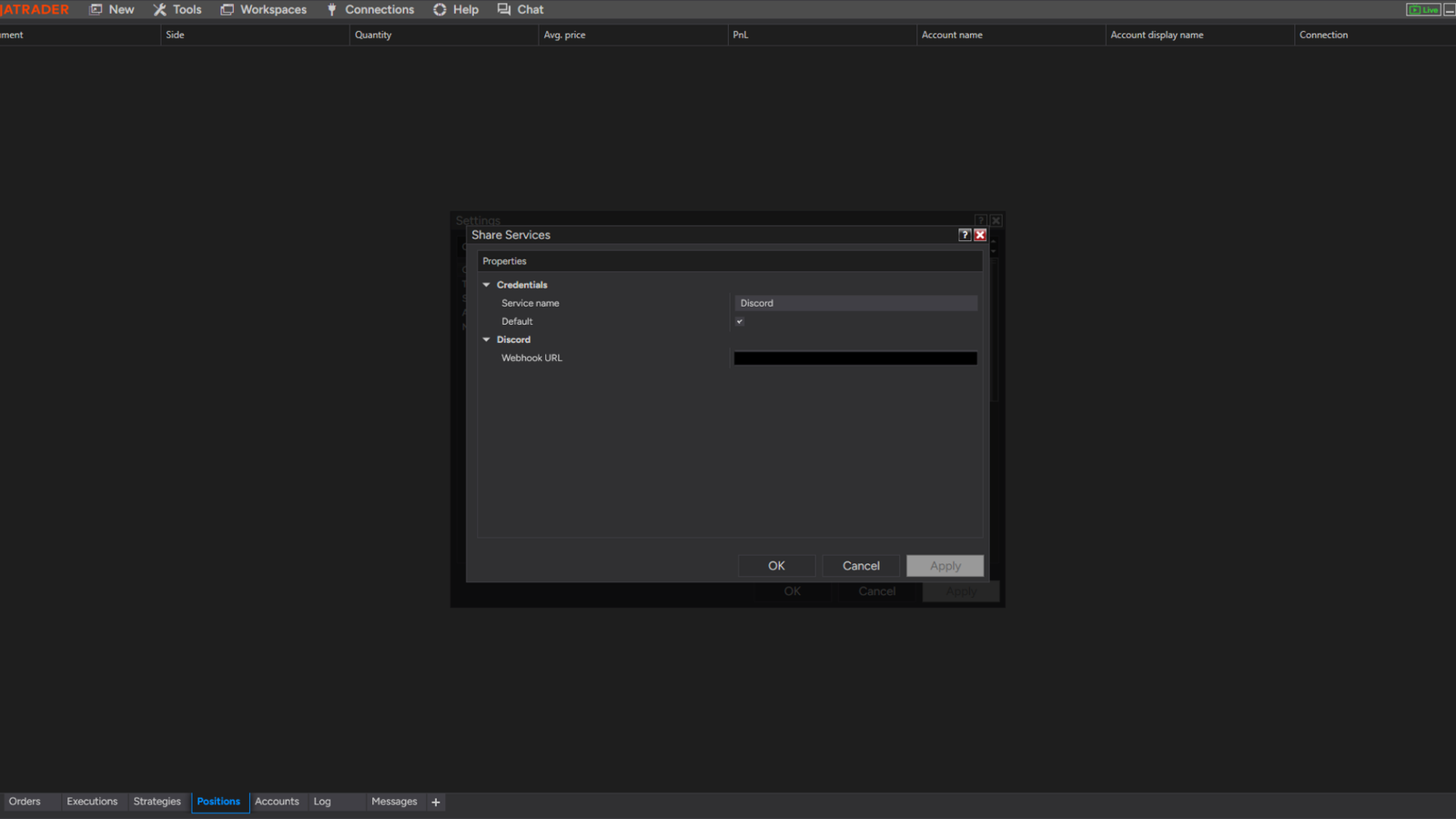
- Control Center → Tools → Options → General → Sharing Connections (Configure).
- Select Discord under Available and click add.
- Fill in its properties (below) and click OK.
Send
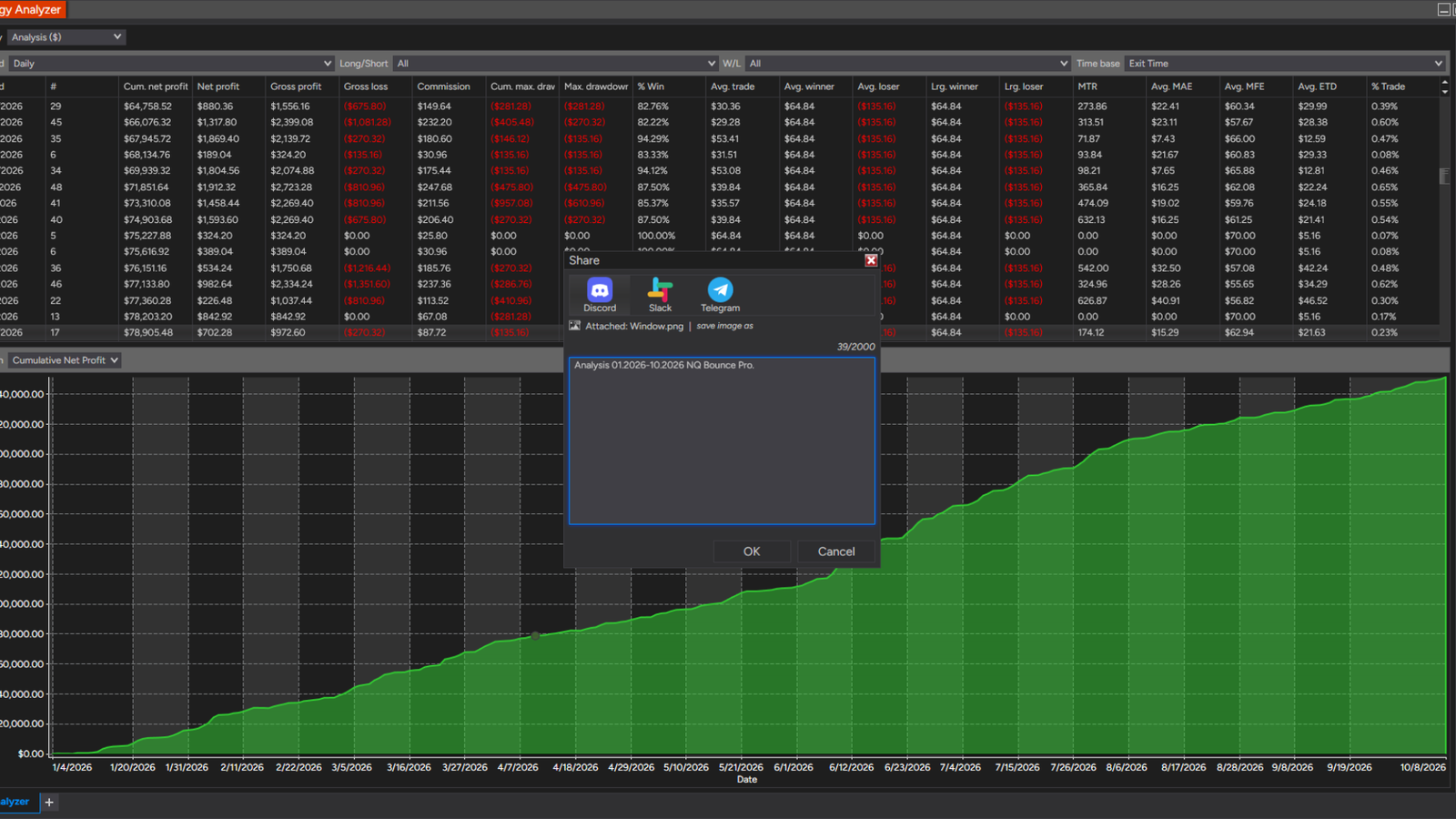
Right-click a chart or another window → Share → Window, Tab contents, Position or Price → choose Discord, edit the text and send. Strategies and alerts can send through it too.
Parameters
| Parameter | Default | What it does |
|---|---|---|
| Webhook URL | — | The channel's webhook: Discord channel settings > Integrations > Webhooks > New Webhook > Copy Webhook URL. |
Version history
v.2.0.0.0 - October 2026
- Fixed: shares without a screenshot (alerts, strategy messages) are sent; Discord's answer is checked; no download on every use.