Telegram
v.1.0.0.0
Overview
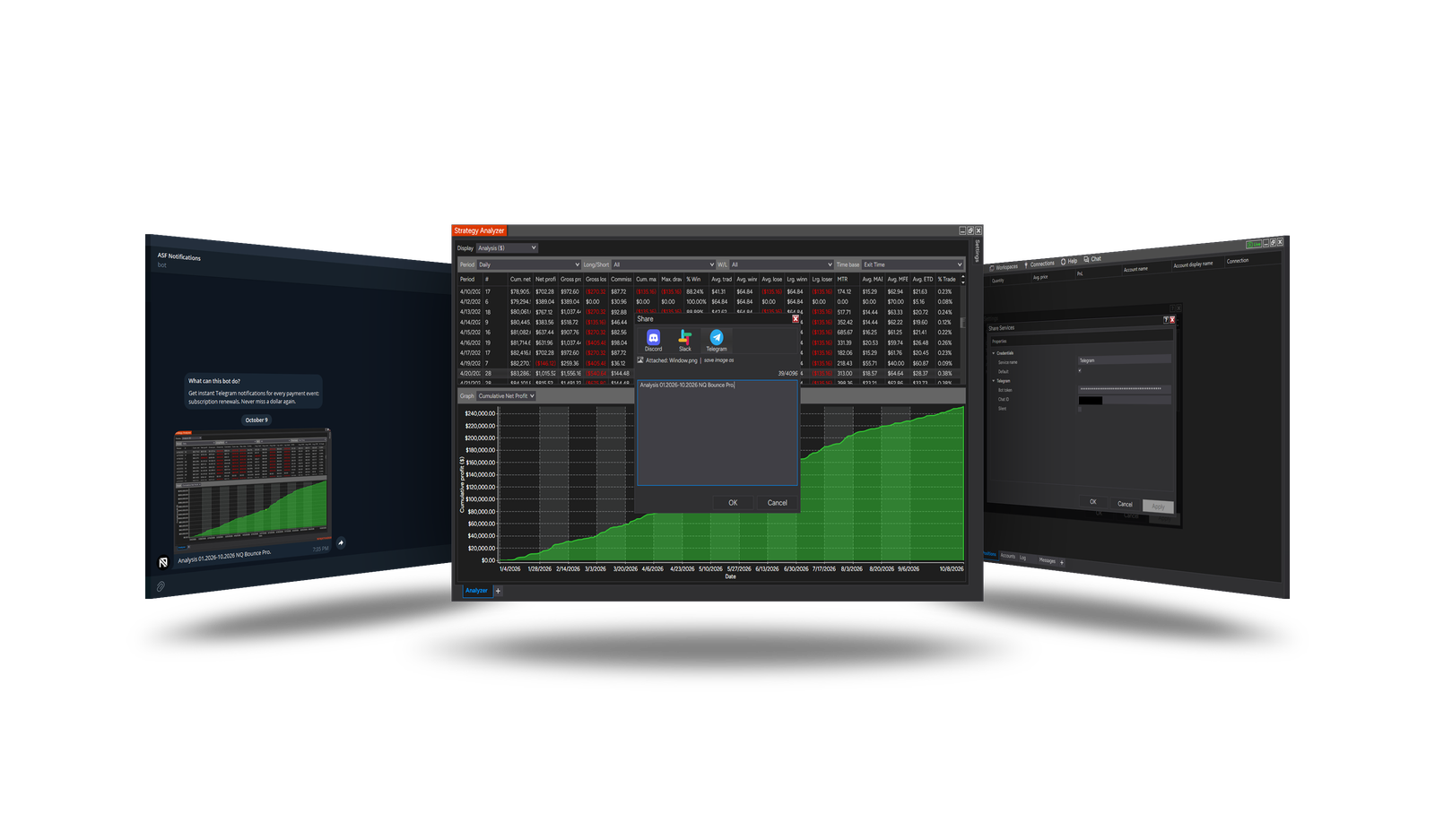
Sends NinjaTrader shares - chart screenshots, alerts and messages from strategies - to a Telegram chat, group or channel through your own bot. Long texts are split; a screenshot keeps its caption.
Create the bot
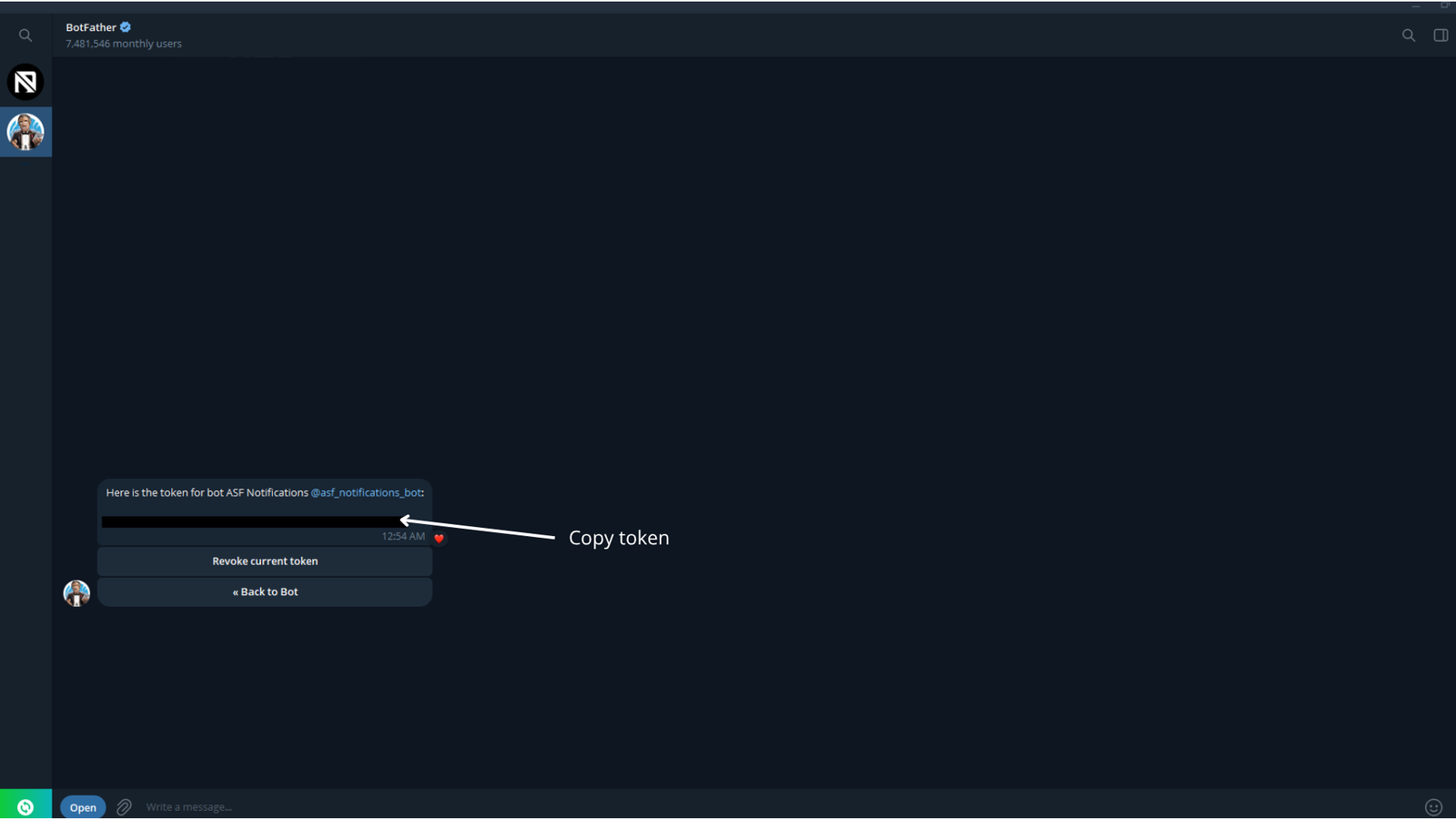
- In Telegram, open @BotFather, send
/newbotand follow the steps. Copy the token it gives you - keep it secret. - Open your new bot and press Start - a bot cannot write to someone who has not started it.
- Get the Chat ID - where the messages go (below).
Chat ID
The service needs a Chat ID besides the token: it says whose chat the bot writes to. Choose one:
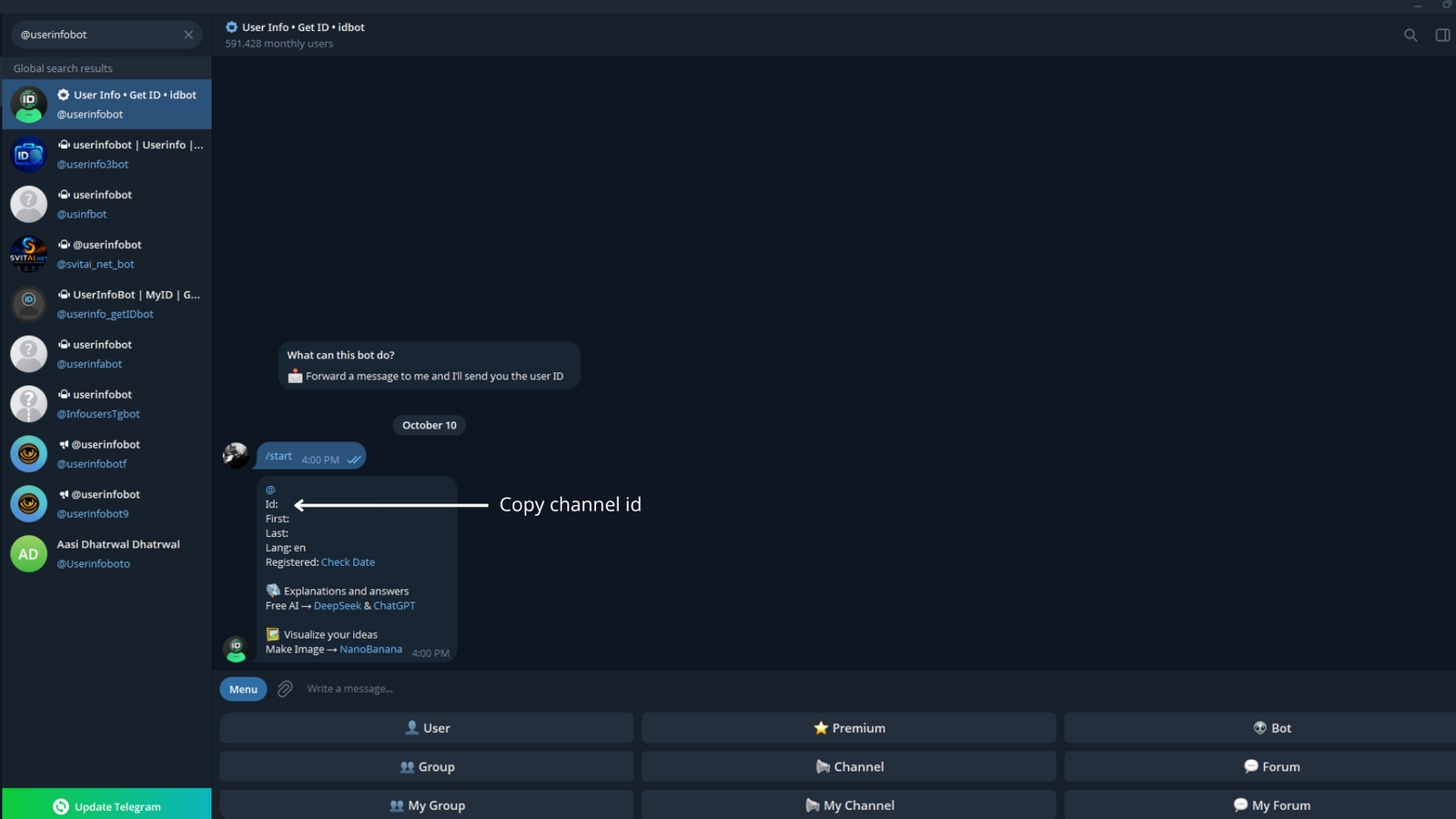
- Only you - your personal ID. Open a helper bot such as @userinfobot, press Start, and it replies with your ID (a positive number, for example
123456789). Or send your bot any message, openhttps://api.telegram.org/bot<token>/getUpdatesin a browser and copy the number after"chat":{"id":. - A group - for several readers. Create a group, add your bot, post any message there, and read the group's ID from
getUpdatesas above - it is negative, for example-1001234567890. - A channel - add the bot as an administrator. A public channel can be given as
@channelname; a private one by its ID fromgetUpdates(negative, starts with-100).
Everyone in the group or channel sees the messages and screenshots; people are added and removed in Telegram.
Bot privacy in groups
If getUpdates shows nothing from a group, switch the bot's privacy off: @BotFather → /mybots → your bot → Bot Settings → Group Privacy → Turn off, then post again.
Add it in NinjaTrader
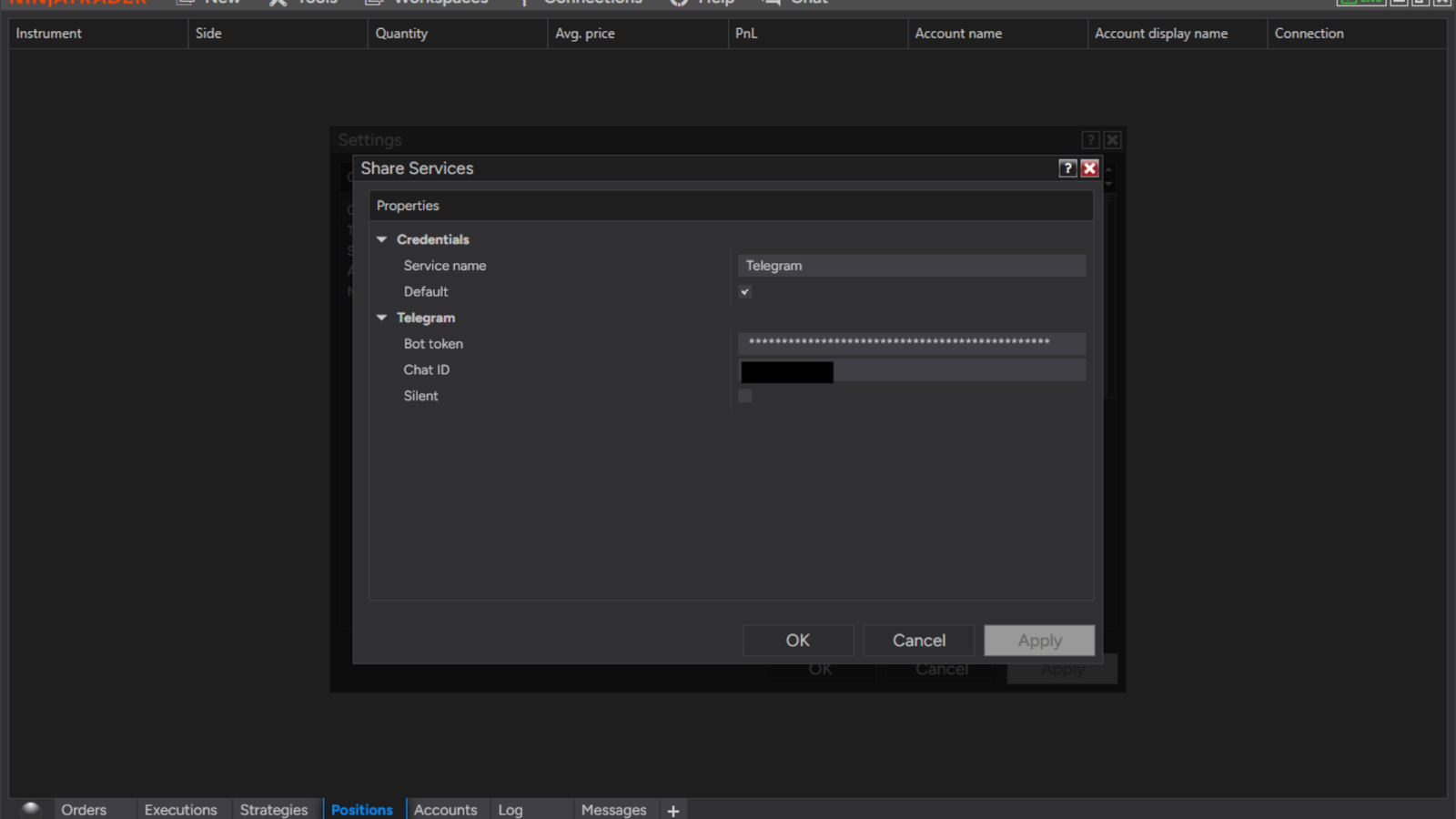
- Control Center → Tools → Options → General → Sharing Connections (Configure).
- Select Telegram under Available and click add.
- Fill in its properties (below) and click OK.
Send
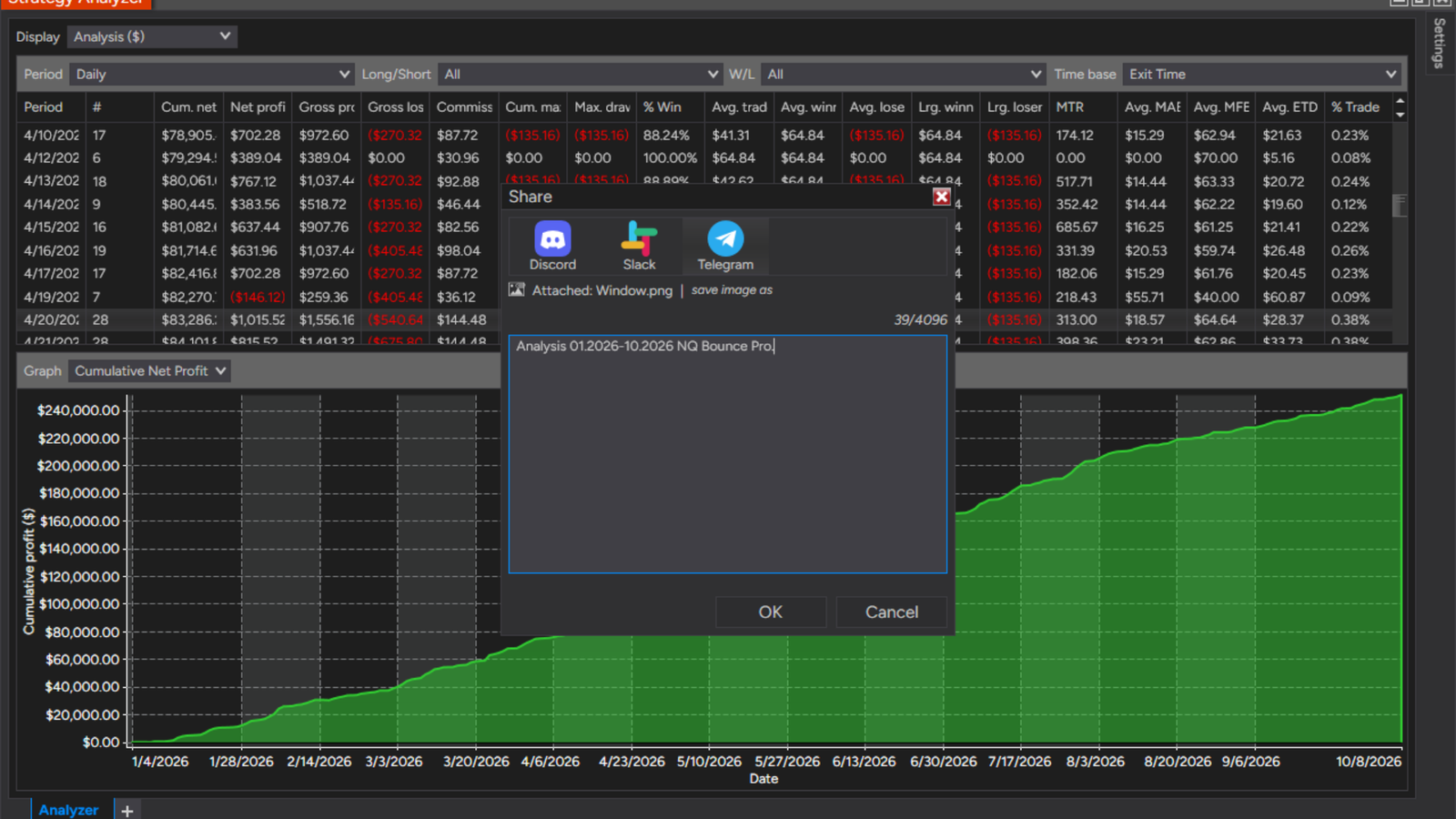
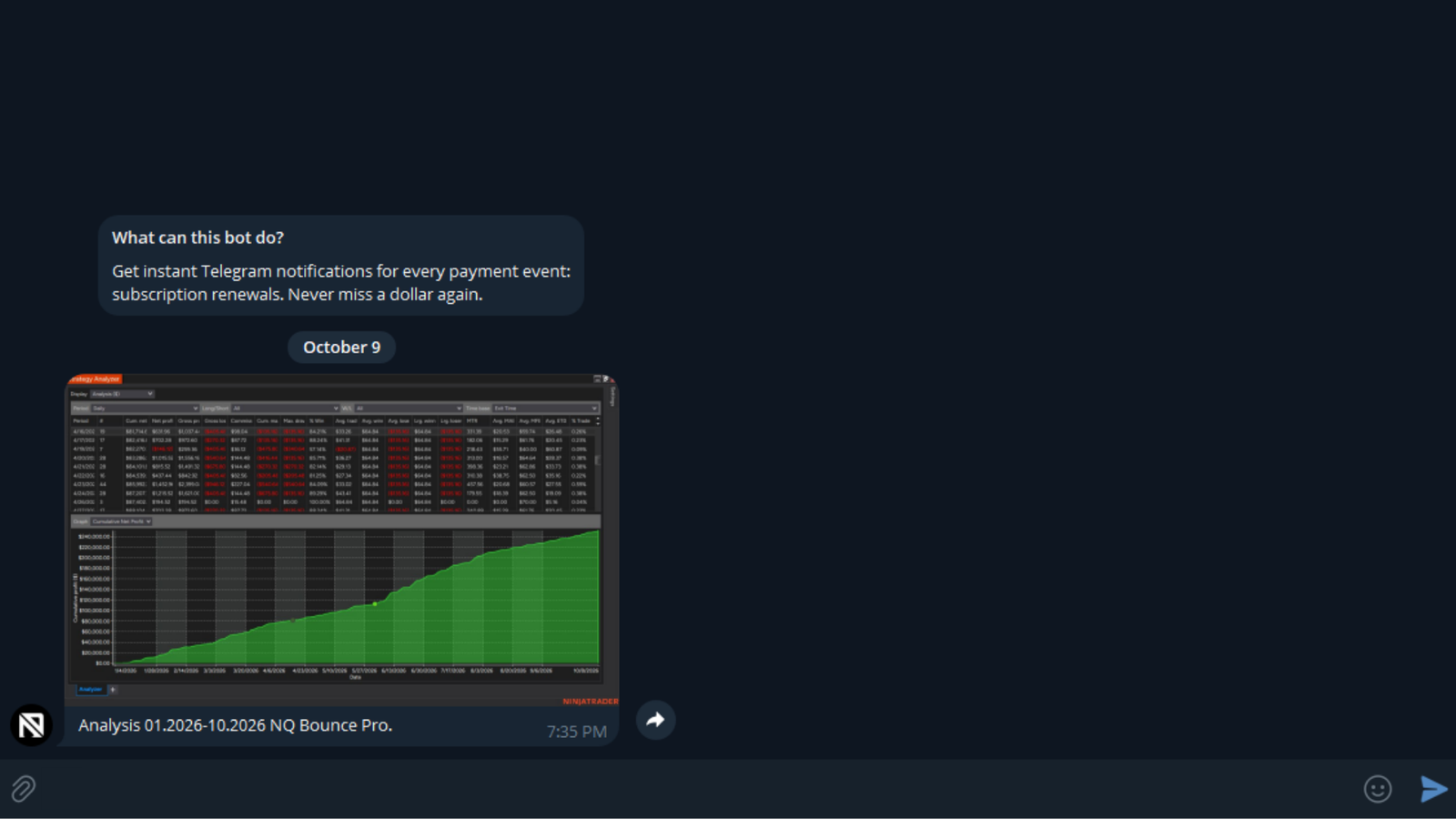
Right-click a chart or another window → Share → Window, Tab contents, Position or Price → choose Telegram, edit the text and send. Strategies and alerts can send through it too.
Parameters
| Parameter | Default | What it does |
|---|---|---|
| Bot token | — | Your bot's token from @BotFather (Telegram: /newbot). |
| Chat ID | — | Where to send: your chat with the bot, a group or a channel - its numeric id, or @channelname for a public channel. The bot must be a member (an admin in a channel). Write to the bot first, or it cannot message you. |
| Silent | Off | Send without a notification sound. |
Version history
v.1.0.0.0 - October 2026
- New: Telegram share service - messages and screenshots through your own bot.