Adaptive Pulse Auto Strategy
v.3.1.0.0 Built on Strategy Core
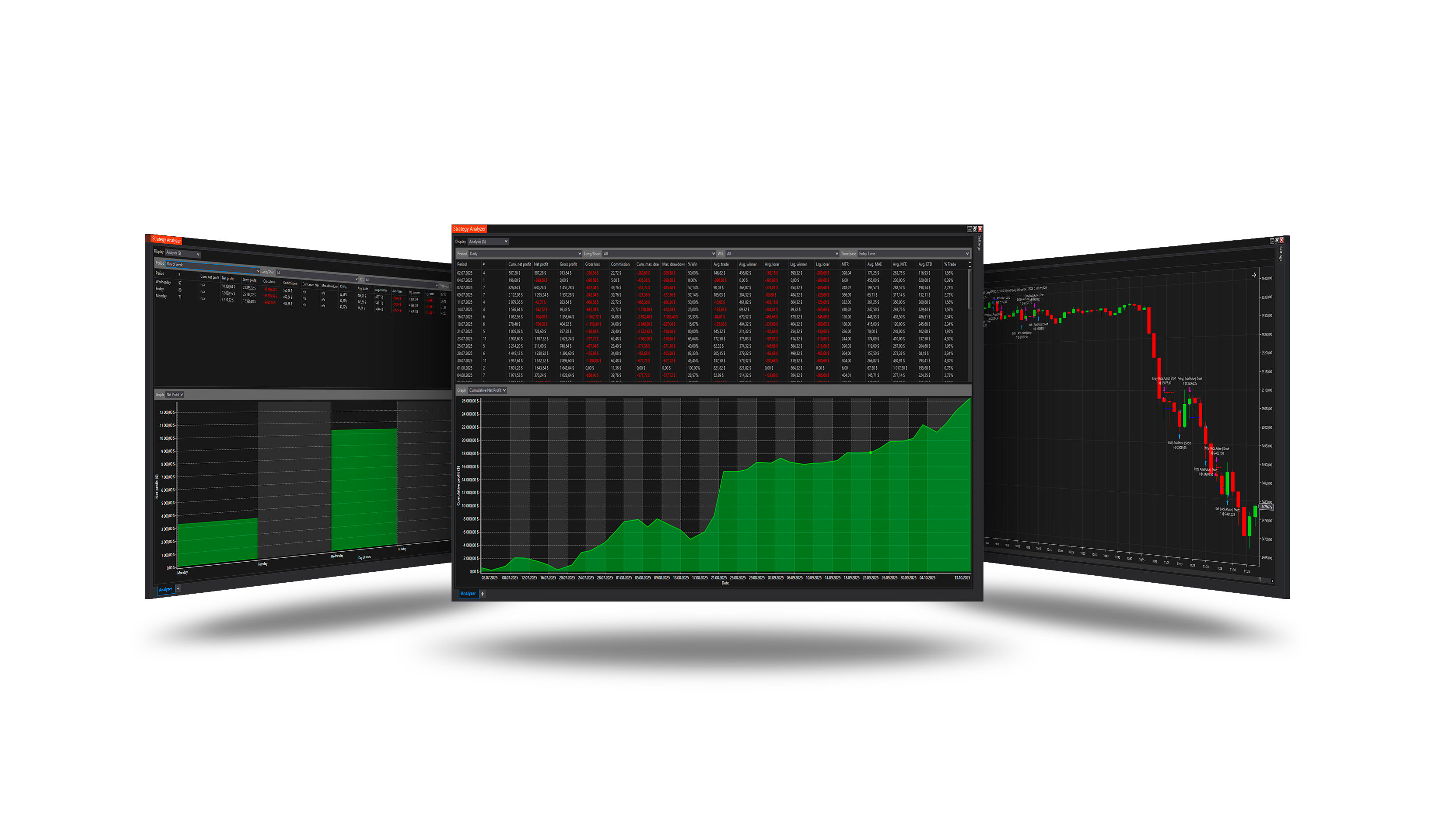
Overview
Follows volatility with the ATR: on a volatility spike it trades with the momentum; once volatility calms it trades against the last move.
How it trades
- Momentum: the close above the EMA, the ATR above its average × ATR threshold and the previous close above the Bollinger middle - a long (shorts the mirror).
- Countertrend: after a short, the ATR below its average × ATR calm and the close crossing above the previous EMA - a long (and the mirror).
- With Exit when ATR calms the position is closed once volatility settles.
Parameters
| Parameter | Default | What it does |
|---|---|---|
| ATR period | 7 | The ATR that measures volatility. |
| ATR smoothing | 50 | The EMA period of the ATR's own average - the line a spike and a calm are measured against. |
| ATR threshold | 1.3 | A volatility spike: ATR above its average times this. A spike opens momentum trades. |
| ATR calm | 1.0 | Calm volatility: ATR below its average times this. Calm opens countertrend trades against the last trade's direction. |
| EMA period | 14 | The EMA a momentum trade's close must be on the right side of. |
| Bollinger period | 20 | The Bollinger Bands period. A momentum trade needs the previous close beyond the middle band; a countertrend trade needs the close to cross an EMA of this period. |
| Bollinger std. dev. | 2 | The width of the Bollinger Bands drawn on the chart. |
| Exit when ATR calms | On | Close a momentum trade once ATR is back below its average - the impulse has run out. Off: only the stop, the target and the core's exits close it. |
Core settings
Order handling, position size, stops and targets, trade management, trading hours, account limits and the ML Engine are core settings - the same in every strategy. Hover a group or a core term for a short explanation.
Strategy Core General & Orders Quantity & Scaling Stop loss & Profit target Trade management Sessions & time Money & News ML Engine Log & Report
Core defaults
This strategy starts with these core settings; change any of them in its settings.
| Group | Setting | Default |
|---|---|---|
| NinjaTrader | Calculate | On bar close |
| Quantity | Quantity | 1 |
| Stop loss | Mode | Atr |
| Stop loss | ATR multiple | 2.25 |
| Stop loss | ATR period (bars) | 7 |
| Profit target | Mode | Atr |
| Profit target | ATR multiple | 4.5 |
| Profit target | ATR period (bars) | 7 |
| General properties | Days of Week | On |
| Days of Week | Sunday | Off |
| Days of Week | Monday | On |
| Days of Week | Tuesday | Off |
| Days of Week | Wednesday | On |
| Days of Week | Thursday | Off |
| Days of Week | Friday | On |
| Days of Week | Saturday | Off |
| Money management (off) | Daily loss | 1000 |
| Money management (off) | Daily profit | 1000 |
| ROI (off) | Mode | Percent |
| ROI (off) | Period 1 (bars) | 15 |
| ROI (off) | Period 2 (bars) | 30 |
| ROI (off) | Period 3 (bars) | 45 |
| ROI (off) | Value 1 (%) | 0.2 |
| ROI (off) | Value 2 (%) | 0.1 |
| ROI (off) | Value 3 (%) | 0.05 |
Version history
v.3.1.0.0 - October 2026
- Changed: the signal follows NinjaTrader's Calculate setting - On bar close by default; On each tick reads the forming bar.
Earlier versions
v.3.0.0.0 - October 2026
- Rebuilt on the Strategy Core: orders, sizing, stops and targets, trade management, sessions, limits and the ML Engine are core settings.
- Added: Exit when ATR calms; signals judged on closed bars.
v.2.1.0.0 - May 25, 2026
- Direction forecast: added COT (Commitment of Traders) features.
- Added contract quantity forecast module.
v.2.0.0.0 - Mar 9, 2026
- ML Engine filter feature added.