Day Breakout
v.3.2.0.0 Built on Strategy Core Order Flow+
Overview
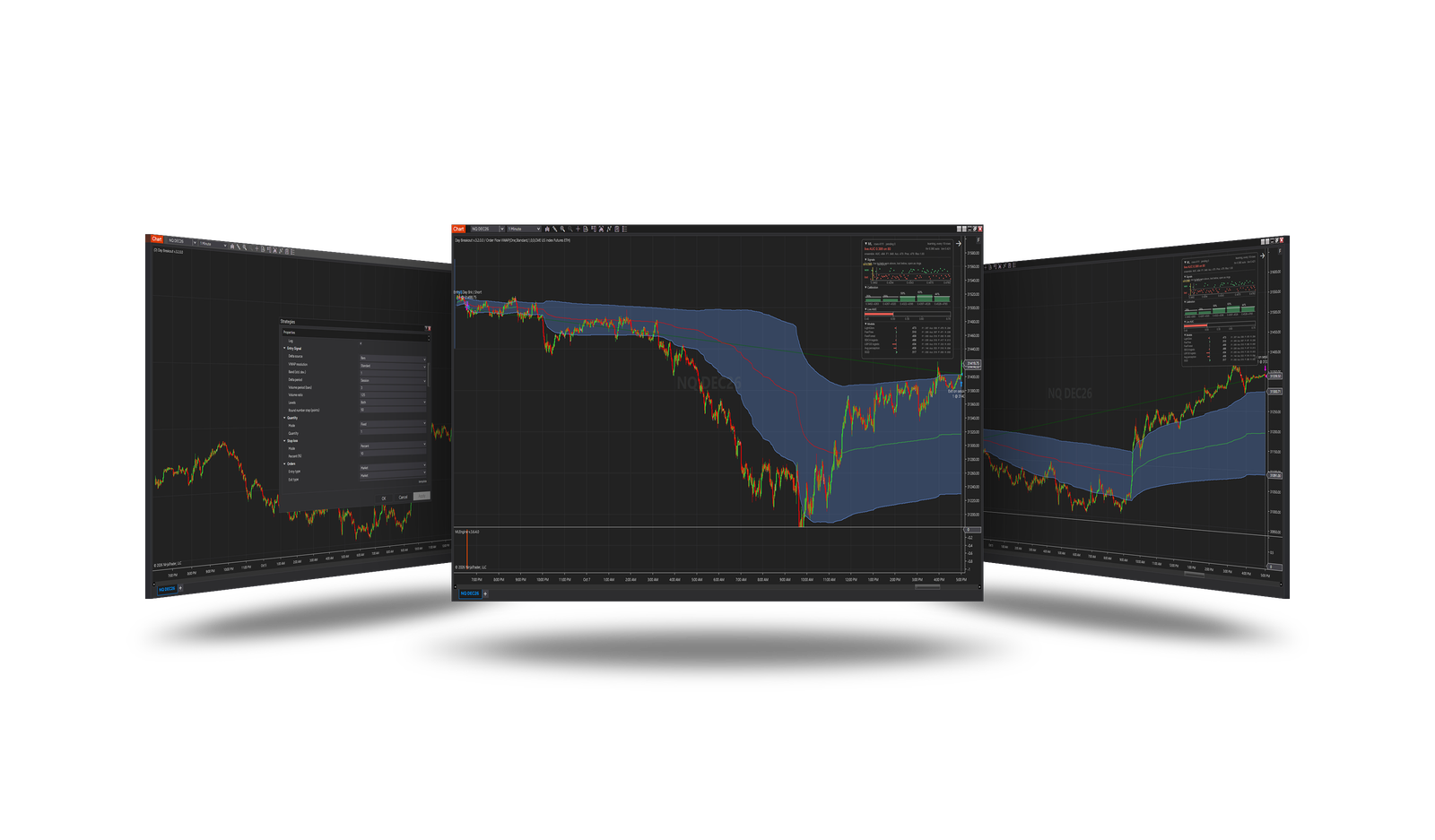
Trades a breakout of the session VWAP's deviation band or of a round number, in the direction the VWAP and the cumulative delta agree on, on a volume spike.
How it trades
- Bias: a long needs the close above the session VWAP and the cumulative delta above 0; a short the mirror.
- Volume: the bar's volume above the average of the last Volume period bars × Volume ratio.
- Breakout: the bar reached a level and closed beyond it - the VWAP's band, or a round number (Round number step) beyond the VWAP.
Parameters
| Parameter | Default | What it does |
|---|---|---|
| Delta source | Bars | Where the delta comes from. Bars: estimated from where each bar closed in its range - no tick data, fast backtests. Ticks: NinjaTrader's cumulative delta on the 1-tick series - exact, much slower backtests. |
| VWAP resolution | Standard | How NinjaTrader's order-flow VWAP is computed. Standard: from the chart's bars - no tick data, fast backtests. Tick: from every trade - exact, needs tick data, much slower backtests. |
| Band (std. dev.) | 1 | How many standard deviations from the VWAP the breakout band is. |
| Delta type | Up down tick | With Delta source = Ticks: BidAsk counts trades at the ask as buying and at the bid as selling; UpDownTick counts upticks as buying and downticks as selling. |
| Delta period | Session | Session: the delta adds up over the session. Bar: only the bar's own delta counts. |
| Delta size filter | 0 | With Delta source = Ticks: only trades of at least this size count. 0 = all. |
| Volume period (bars) | 3 | The bars the average volume is taken over, the signal bar included. |
| Volume ratio | 1.25 | A volume spike: the bar's volume above the average times this. |
| Levels | Both | Which breakouts count. Band: the VWAP's deviation band. Round: a round number beyond the VWAP. Both: either. |
| Round number step (points) | 50 | Round numbers are multiples of this many points. |
Core settings
Order handling, position size, stops and targets, trade management, trading hours, account limits and the ML Engine are core settings - the same in every strategy. Hover a group or a core term for a short explanation.
Strategy Core General & Orders Quantity & Scaling Stop loss & Profit target Trade management Sessions & time Money & News ML Engine Log & Report
Core defaults
This strategy starts with these core settings; change any of them in its settings.
| Group | Setting | Default |
|---|---|---|
| NinjaTrader | Calculate | On each tick |
| Quantity | Quantity | 1 |
| Stop loss | Mode | Percent |
| Stop loss | Percent (%) | 10 |
| General properties | Profit target | Off |
| NinjaTrader | Exit on session close | On |
| NinjaTrader | Exit on session close (s) | 30 |
The session VWAP and its band are NinjaTrader's Order Flow VWAP, shown on the chart with the strategy; with Delta source = Ticks the cumulative delta is shown too.
Requirements
- NinjaTrader Order Flow+ (the Order Flow VWAP). VWAP resolution = Standard (default): from the chart's bars, no tick data; Tick: from every trade. Delta source = Bars (default): the delta estimated from the bars; Ticks: NinjaTrader's cumulative delta on tick data - exact, slower.
Version history
v.3.2.0.0 - October 2026
- Changed: the VWAP and its band are NinjaTrader's Order Flow VWAP, shown on the chart - VWAP resolution Standard (from the bars) by default or Tick; Delta source (Bars / Ticks) for the delta.
Earlier versions
v.3.1.0.0 - October 2026
- Changed: the signal follows NinjaTrader's Calculate setting - On each tick by default, so it is taken inside the bar, the moment it appears.
v.3.0.0.0 - October 2026
- Rebuilt on the Strategy Core: orders, sizing, stops and targets, trade management, sessions, limits and the ML Engine are core settings.
- Added: Delta source (Bars / Ticks), the levels to trade, round-number step.