MACD Intraday Strategy
v.3.1.0.0 Built on Strategy Core
Overview
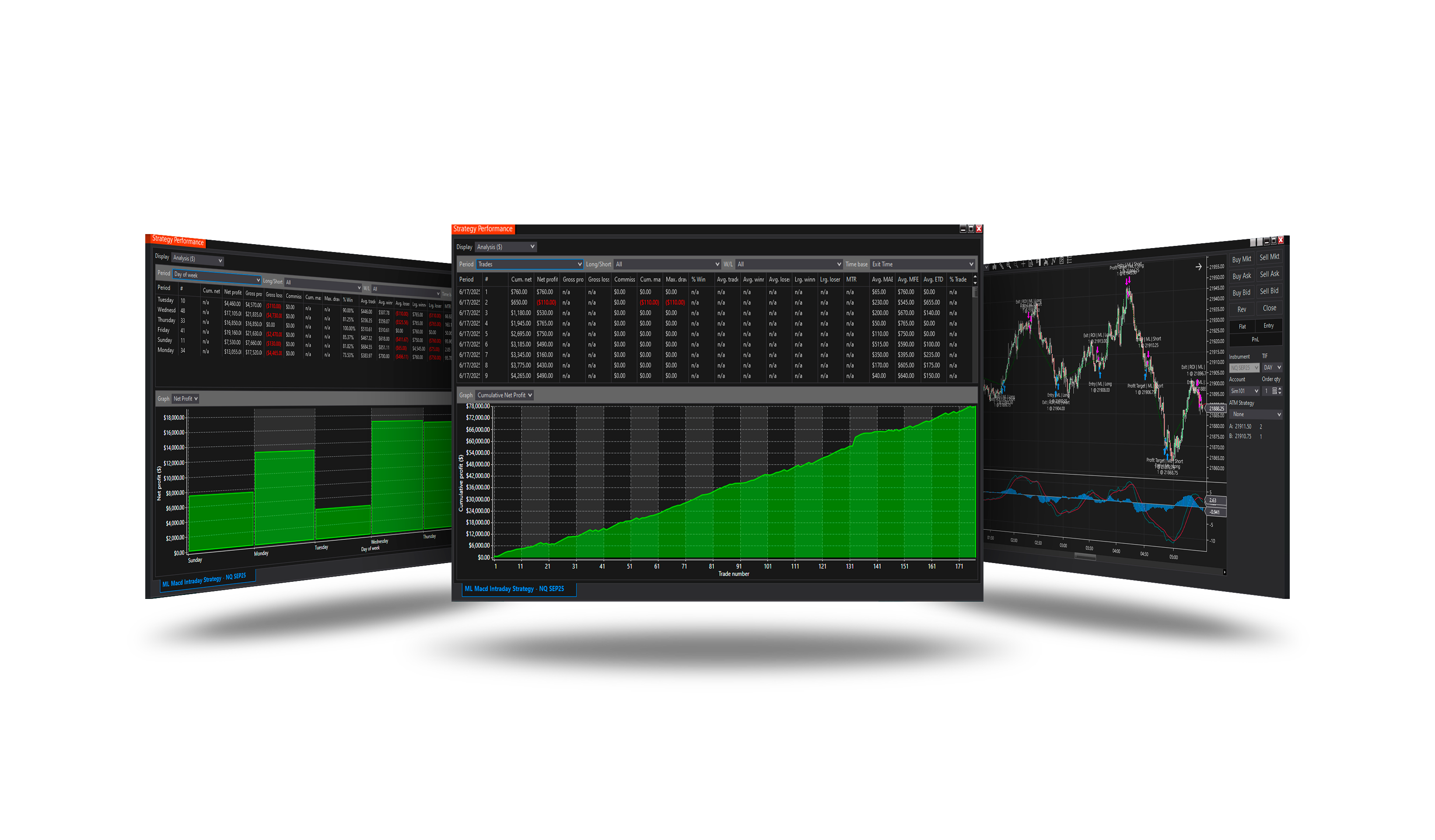
Trades the MACD line crossing its signal line - momentum turning up is bought, momentum turning down is sold.
How it trades
- The MACD line crosses the signal line (or its previous value, Cross with): up - a long, down - a short.
- Optional: only on the trend side of the zero line, a minimum gap, an exit on the opposite cross.
Parameters
| Parameter | Default | What it does |
|---|---|---|
| Signal bar offset (bars) | 0 | Which bar the cross is looked for on: 0 = the last closed bar; 2 = the one two bars before it. The exit on the opposite cross reads the same bar. |
| MACD fast | 12 | The fast EMA period of the MACD. |
| MACD slow | 26 | The slow EMA period of the MACD. |
| MACD smooth | 9 | The period of the MACD's signal line. |
| Cross with | Previous signal value | Previous signal value: the MACD line crosses the value the signal line had one bar before. Signal line: the classic cross - the MACD line below the signal line on the bar before and above it on the signal bar (the mirror for a short). |
| Zero line filter | Trend | Where the MACD line must be when it crosses. Trend: above zero for a long, below for a short - the cross with the move. Reversal: below zero for a long, above for a short - the turn out of an oversold or overbought stretch. Off: anywhere. |
| Min gap (ticks) | 0 | How far past the line the MACD must close on the signal bar, in ticks of the instrument. A touch that barely crosses is no signal. 0 = any cross. |
| Exit on opposite cross | On | Close the position when the MACD crosses the other way. Off: the position is left to the stop, target, ROI and the other exits of the core. |
Core settings
Order handling, position size, stops and targets, trade management, trading hours, account limits and the ML Engine are core settings - the same in every strategy. Hover a group or a core term for a short explanation.
Strategy Core General & Orders Quantity & Scaling Stop loss & Profit target Trade management Sessions & time Money & News ML Engine Log & Report
Core defaults
This strategy starts with these core settings; change any of them in its settings.
| Group | Setting | Default |
|---|---|---|
| NinjaTrader | Calculate | On bar close |
| Quantity | Quantity | 1 |
| General properties | Stop loss | On |
| Stop loss | Mode | Ticks |
| Stop loss | Ticks | 120 |
| General properties | Profit target | On |
| Profit target | Mode | Ticks |
| Profit target | Ticks | 120 |
| General properties | ROI | Off |
| ROI (off) | Mode | Percent |
| ROI (off) | Time unit | Bars |
| ROI (off) | Roi 1 | On |
| ROI (off) | Roi 2 | On |
| ROI (off) | Roi 3 | On |
| ROI (off) | Period 1 (bars) | 15 |
| ROI (off) | Period 2 (bars) | 30 |
| ROI (off) | Period 3 (bars) | 45 |
| ROI (off) | Value 1 (%) | 0.2 |
| ROI (off) | Value 2 (%) | 0.1 |
| ROI (off) | Value 3 (%) | 0.05 |
| Money management (off) | Daily loss | 1000 |
| Money management (off) | Daily profit | 1000 |
| General properties | Days of Week | On |
| Subsessions (off) | S1 Start | 17:00 |
| Subsessions (off) | S1 End | 15:00 |
| Subsessions (off) | S2 Start | 12:00 |
| Subsessions (off) | S2 End | 16:00 |
| Subsessions (off) | S3 Start | 16:00 |
| Subsessions (off) | S3 End | 23:59 |
| NinjaTrader | Exit on session close | On |
| NinjaTrader | Exit on session close (s) | 6960 |
Version history
v.3.1.0.0 - October 2026
- Changed: the signal follows NinjaTrader's Calculate setting - On bar close by default; On each tick reads the forming bar.
Earlier versions
v.3.0.0.0 - October 2026
- Rebuilt on the Strategy Core: orders, sizing, stops and targets, trade management, sessions, limits and the ML Engine are core settings.
- Added: Zero line filter, Min gap, Exit on opposite cross.
v.2.2.0.1 - Oct 26, 2025
- Trading hours and days logic updated — if all sessions are disabled, the strategy now runs without time restrictions instead of stopping trading.
v.2.2.0.0 - Sep 1, 2025
- Added current Daily ATR as an additional dimension for training and forecasting ML.NET models.
v.2.1.1.0 - Aug 8, 2025
- Fixed a bug with saving settings templates; after saving, it was impossible to apply the template.
v.2.0.0.0 - July 10, 2025
- Added new input features for the ML.NET model: ATR, Cumulative Delta, price slope, and VWAP divergence. These measurements are now included in the analysis and training process to improve price prediction accuracy.