Pre-Market Ambush Bot
v.3.1.0.0 Built on Strategy Core
Overview
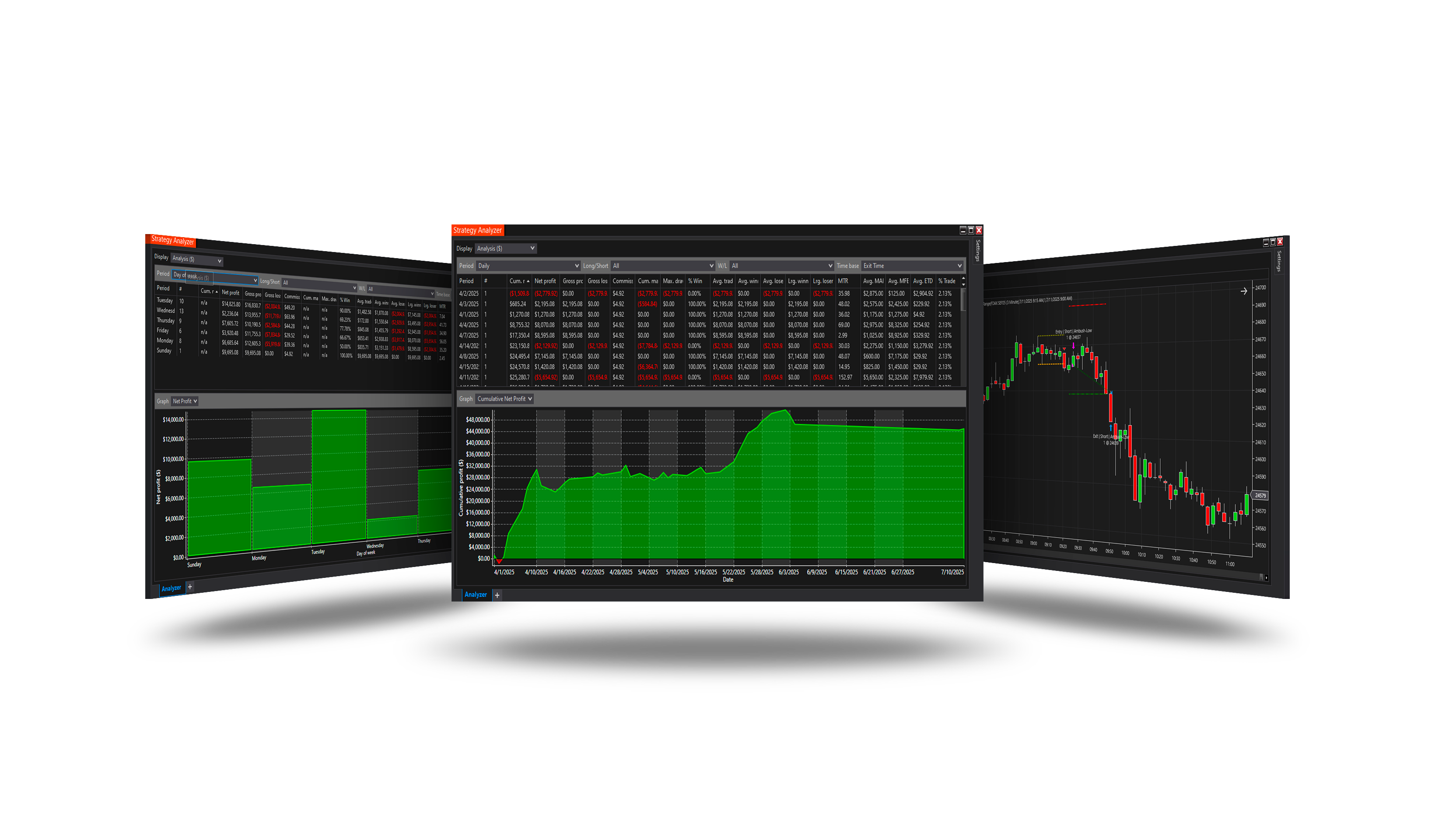
Waits in ambush for the break of the quiet early range - the first close beyond its high or low is traded in the direction of the break. Only the day's first break before the cutoff is taken.
How it trades
- The range from Range start to Range end (the Ambush Range indicator), optionally only if narrower than Max range width %.
- The first close above the high (plus Breakout buffer) is a long, below the low a short - before Cutoff.
- Stop Stop (x range) widths beyond the broken edge, target Target (x range) widths from the entry (Mode = Strategy).
Parameters
Entry Signal
| Parameter | Default | What it does |
|---|---|---|
| Range start | 09:00 | The early range starts after this time: its first bar is the one closing after it. |
| Range end | 09:15 | The early range ends at this time: the bar closing at it is its last. Breakouts are looked for after it. Keep the Subsessions group's S1 start at this time. |
| Max range width (%) | 0 | Trade the day only when the early range was quiet: its width at most this percentage of its low. 0 = off. |
| Breakout buffer (ticks) | 0 | How far beyond the range's edge the close must be to count as the break. 0 = any close beyond it. |
| Cutoff | 11:58 | No breakout is taken from this time on, and a position still open is closed at it. 11:58 (12:00 less 2 minutes). Keep the Subsessions group's S1 end at this time. |
Ambush levels
| Parameter | Default | What it does |
|---|---|---|
| Stop (x range) | 0.9 | With the Stop loss group's Mode = Strategy: the stop goes this many widths of the range back from the broken edge - below the high for a long, above the low for a short. 0.9: just inside the far edge. |
| Target (x range) | 1.0 | With the Profit target group's Mode = Strategy: the target goes this many widths of the range away from the entry. |
Core settings
Order handling, position size, stops and targets, trade management, trading hours, account limits and the ML Engine are core settings - the same in every strategy. Hover a group or a core term for a short explanation.
Strategy Core General & Orders Quantity & Scaling Stop loss & Profit target Trade management Sessions & time Money & News ML Engine Log & Report
Core defaults
This strategy starts with these core settings; change any of them in its settings.
| Group | Setting | Default |
|---|---|---|
| NinjaTrader | Calculate | On each tick |
| General properties | Stop loss | On |
| Stop loss | Mode | Strategy |
| General properties | Profit target | On |
| Profit target | Mode | Strategy |
| Quantity | Mode | Risk money |
| Quantity | Risk | 250 |
| Quantity | Min | 1 |
| Quantity | Max | 70 |
| General properties | Subsessions | On |
| Subsessions | S1 Enable | On |
| Subsessions | S1 Start | 09:15 |
| Subsessions | S1 End | 11:58 |
| Subsessions | S1 Max trades | 1 |
| General properties | Days of Week | Off |
| NinjaTrader | Exit on session close | On |
| NinjaTrader | Exit on session close (s) | 30 |
Version history
v.3.1.0.0 - October 2026
- Changed: the signal follows NinjaTrader's Calculate setting - On each tick by default, so it is taken inside the bar, the moment it appears.
Earlier versions
v.3.0.1.0 - October 2026
- Changed: the range by bar close time (09:00-09:15 = bars closing 09:01...09:15); it resets with each trading session.
v.3.0.0.0 - October 2026
- Rebuilt on the Strategy Core: orders, sizing, stops and targets, trade management, sessions, limits and the ML Engine are core settings.
v.2.1.0.0 - May 25, 2026
- Direction forecast: added COT (Commitment of Traders) features.
v.2.0.0.0 - Mar 9, 2026
- ML Engine filter feature added.
v.1.0.0.1 - Oct 26, 2025
- Updated trading day logic — if all days are disabled, the strategy now works without restrictions by day and does not stop trading.