R-Pro
v.3.1.0.0 Built on Strategy Core
Overview
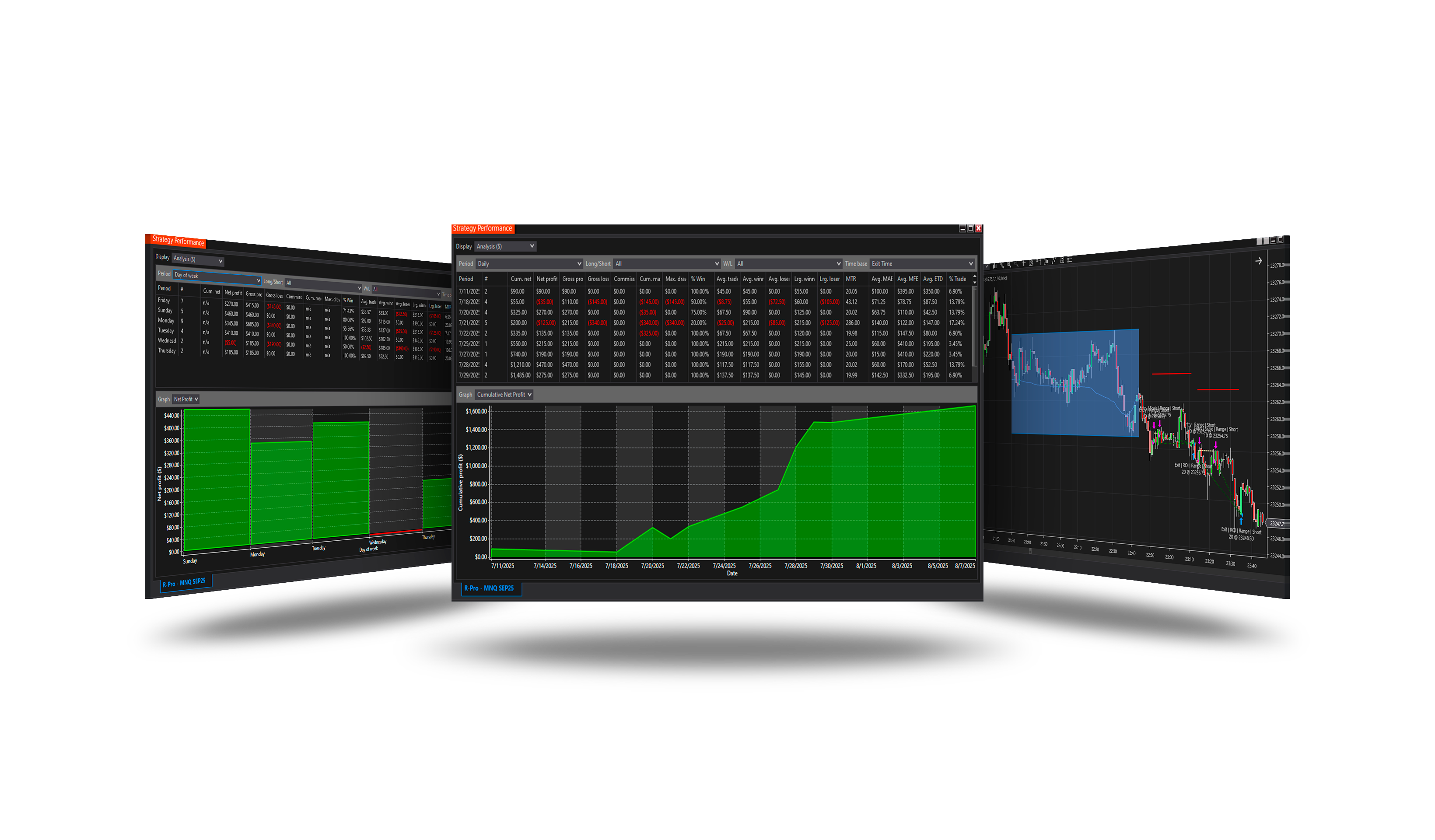
Waits for the market to go quiet in a tight range and trades the break out of it (the Range Price indicator).
How it trades
- A range: Range length bars no taller than Range height (ticks or ATR) with at least Min volume.
- A close above its high within Breakout within bars is a long, below its low a short.
Parameters
| Parameter | Default | What it does |
|---|---|---|
| Signal bar offset (bars) | 0 | Which bar the breakout is looked for on: 0 = the last closed bar; 2 = the one two bars before it. |
| Min volume | 2100 | The range's volume must reach this - its total or its average per bar, as Volume mode says. 2100 in total. |
| Range length (bars) | 14 | How many bars a range spans. |
| Range height (ticks) | 90 | The tallest high-low a range may have, in ticks. Not used while Height (ATR) is set. |
| Min bars between ranges | 5 | How many bars must pass after a range, beyond its length, before the next one can be found. |
| Breakout within (bars) | 2 | How many bars after a range's end the break may come. 4 (its Actual crosses distance 5). |
| Breakout buffer (ticks) | 0 | How far beyond the range's level the close must be to count as the break. 0 = any close beyond it. |
| Height (ATR) | 0 | The range's height in ATRs of the bars instead of ticks - a height that follows the market's pace. 0 = off: Range height in ticks. |
| ATR period | 14 | The ATR period for Height (ATR). |
| Volume mode | Total | Total: the range's summed volume must reach Min volume. Average per bar: its average volume per bar must - a threshold that does not change with the length. |
Core settings
Order handling, position size, stops and targets, trade management, trading hours, account limits and the ML Engine are core settings - the same in every strategy. Hover a group or a core term for a short explanation.
Strategy Core General & Orders Quantity & Scaling Stop loss & Profit target Trade management Sessions & time Money & News ML Engine Log & Report
Core defaults
This strategy starts with these core settings; change any of them in its settings.
| Group | Setting | Default |
|---|---|---|
| NinjaTrader | Calculate | On each tick |
| Quantity | Quantity | 1 |
| General properties | Stop loss | On |
| Stop loss | Mode | Currency |
| Stop loss | Loss per contract ($) | 175 |
| General properties | Profit target | Off |
| General properties | Trail stop | On |
| Trail stop | Mode | Extremum |
| Trail stop | Bars look back | 11 |
| Trail stop | Offset (ticks) | 1 |
| Trail stop | Trigger (ticks) | 0 |
| Trail stop | Only in profit | On |
| General properties | Scaling | Off |
| Money management (off) | Daily loss | 150 |
| Money management (off) | Daily profit | 500 |
| General properties | Subsessions | On |
| Subsessions | S1 Enable | Off |
| Subsessions | S1 Start | 01:00 |
| Subsessions | S1 End | 04:00 |
| Subsessions | S2 Enable | On |
| Subsessions | S2 Start | 09:30 |
| Subsessions | S2 End | 16:00 |
| Subsessions | S3 Enable | Off |
| Subsessions | S3 Start | 13:00 |
| Subsessions | S3 End | 16:45 |
| General properties | Days of Week | On |
| NinjaTrader | Exit on session close | On |
| NinjaTrader | Exit on session close (s) | 660 |
Version history
v.3.1.0.0 - October 2026
- Changed: the signal follows NinjaTrader's Calculate setting - On each tick by default, so it is taken inside the bar, the moment it appears.
Earlier versions
v.3.0.0.0 - October 2026
- Rebuilt on the Strategy Core: orders, sizing, stops and targets, trade management, sessions, limits and the ML Engine are core settings.
- Added: Height in ATR, volume mode, breakout buffer.
v.2.1.0.0 - May 25, 2026
- Direction forecast: added COT (Commitment of Traders) features.
v.2.0.0.0 - Mar 9, 2026
- ML Engine filter feature added.
v.1.1.0.1 - Oct 26, 2025
- Trading hours and days logic updated — if all sessions are disabled, the strategy now runs without time restrictions instead of stopping trading.