VWAP Autostrategy
v.3.2.0.0 Built on Strategy Core Order Flow+
Overview
Mean reversion to the session VWAP: enters when a volume spike pushes the price beyond the VWAP's outer band, can add on a grid, and exits when the price comes back to the mean.
How it trades
- A close at or beyond the Entry band on a volume spike: below the lower band - a long, above the upper - a short.
- Adds against the position come from the core's Scaling group.
- With Exit back at the mean: closed when the price is back inside the Exit band on a volume spike.
Parameters
| Parameter | Default | What it does |
|---|---|---|
| VWAP resolution | Standard | How NinjaTrader's order-flow VWAP is computed. Standard: from the chart's bars - no tick data, fast backtests. Tick: from every trade - exact, needs tick data, much slower backtests. |
| Entry band (std. dev.) | 2.5 | How far beyond the VWAP the close must be to enter, in standard deviations. |
| Exit band (std. dev.) | 1 | Back to the mean: the close within this many standard deviations of the VWAP. |
| Volume period (bars) | 3 | The bars the average volume is taken over, the signal bar included. |
| Volume ratio | 1.25 | A volume spike: the bar's volume at least the average times this. |
| Exit back at the mean | On | Close the position when the price is back within the exit band on a volume spike. Off: only the stop, the target and the core's exits close it. |
Core settings
Order handling, position size, stops and targets, trade management, trading hours, account limits and the ML Engine are core settings - the same in every strategy. Hover a group or a core term for a short explanation.
Strategy Core General & Orders Quantity & Scaling Stop loss & Profit target Trade management Sessions & time Money & News ML Engine Log & Report
Core defaults
This strategy starts with these core settings; change any of them in its settings.
| Group | Setting | Default |
|---|---|---|
| NinjaTrader | Calculate | On each tick |
| Quantity | Quantity | 1 |
| General properties | Scaling | On |
| Scaling | Type | Single position |
| Scaling | Placement | Resting |
| Scaling | Direction | Drop |
| Scaling | Count | 2 |
| Scaling | Mode | Ticks |
| Scaling | Trigger (ticks) | 100 |
| Scaling | Step mode | Same |
| Scaling | Protection after add | Recalculate |
| Stop loss | Mode | Percent |
| Stop loss | Percent (%) | 1 |
| Profit target | Mode | Percent |
| Profit target | Percent (%) | 0.25 |
| General properties | Subsessions | On |
| Subsessions | S1 Enable | On |
| Subsessions | S1 Start | 10:30 |
| Subsessions | S1 End | 16:30 |
| NinjaTrader | Exit on session close | On |
| NinjaTrader | Exit on session close (s) | 30 |
| Money management (off) | Daily loss | 1000 |
| Money management (off) | Daily profit | 1000 |
| ROI (off) | Mode | Percent |
| ROI (off) | Period 1 (bars) | 15 |
| ROI (off) | Period 2 (bars) | 30 |
| ROI (off) | Period 3 (bars) | 45 |
| ROI (off) | Value 1 (%) | 0.2 |
| ROI (off) | Value 2 (%) | 0.1 |
| ROI (off) | Value 3 (%) | 0.05 |
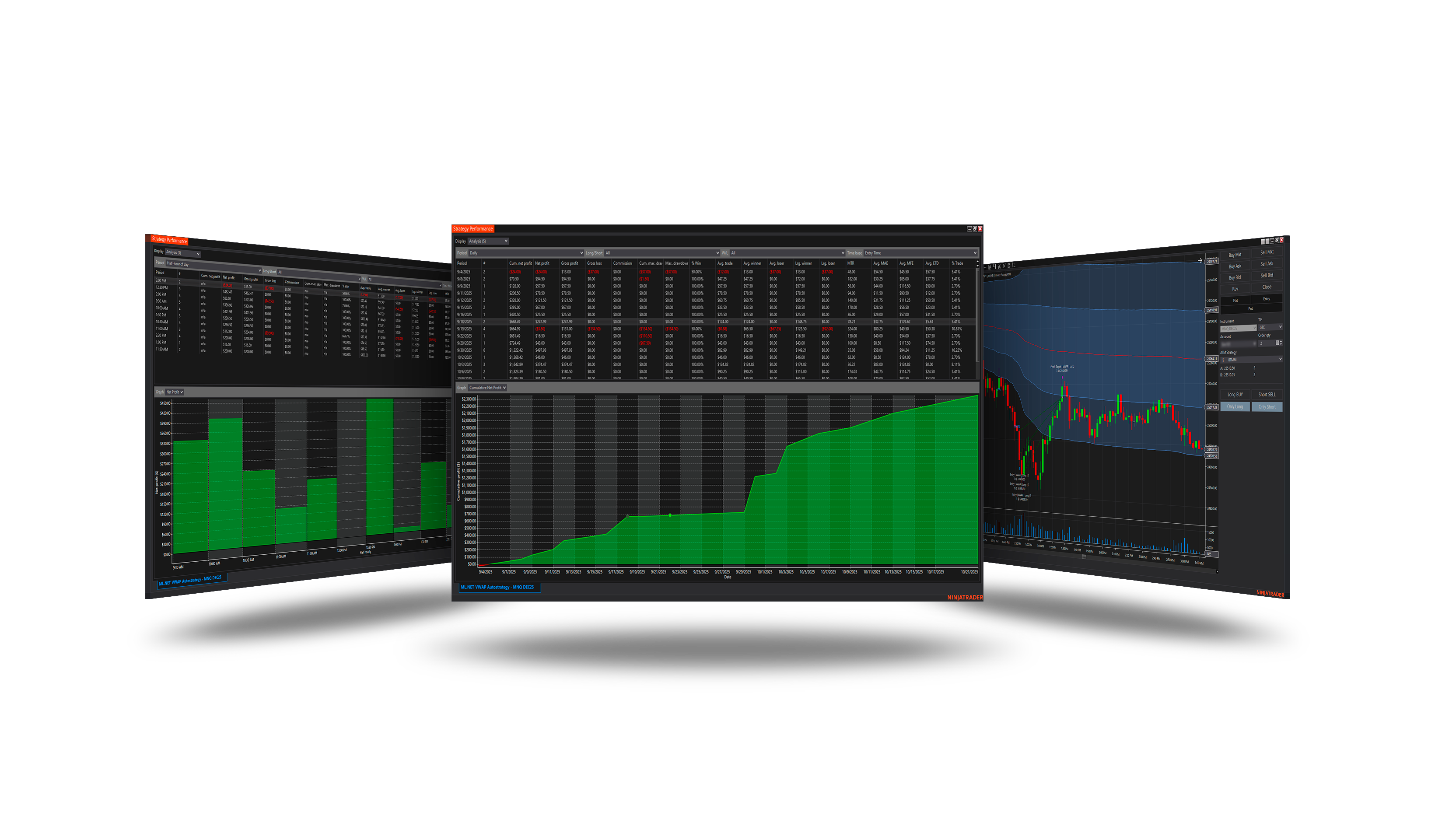
The session VWAP and its bands are NinjaTrader's Order Flow VWAP, shown on the chart with the strategy, so every entry can be read against the band it came from.
Requirements
- NinjaTrader Order Flow+ (the Order Flow VWAP). VWAP resolution = Standard (default): from the chart's bars, no tick data. Tick: from every trade - needs tick data, slower backtests.
Version history
v.3.2.0.0 - October 2026
- Changed: the VWAP and its bands are NinjaTrader's Order Flow VWAP, shown on the chart - VWAP resolution Standard (from the bars) by default or Tick.
Earlier versions
v.3.1.0.0 - October 2026
- Changed: the signal follows NinjaTrader's Calculate setting - On each tick by default, so it is taken inside the bar, the moment it appears.
v.3.0.0.0 - October 2026
- Rebuilt on the Strategy Core: orders, sizing, stops and targets, trade management, sessions, limits and the ML Engine are core settings.
- Added: Bands, volume settings.
v.2.1.0.0 - May 25, 2026
- Direction forecast: added COT (Commitment of Traders) features.
v.2.0.0.0 - Mar 9, 2026
- ML Engine filter feature added.